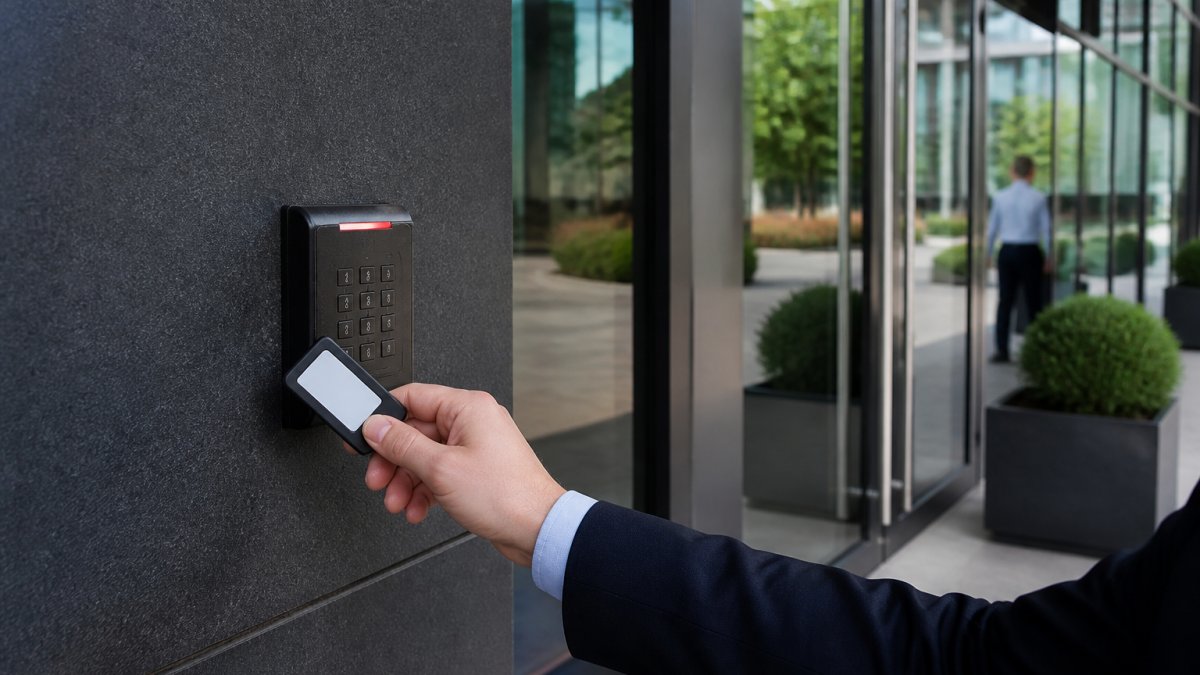
Managing Multi Tenant Building Security: 7-Step Guide
Managing multi tenant building security starts with knowing every way a person can get in. Walk the property and list each entry point: main lobbies, loading docks, stairwells, garage gates, and roof access. Then rank tenants by risk.
Table of Contents
- Step 1: Map Entry Points and Tenant Risk Profiles
- Step 2: Choose Commercial Access Control Systems That Scale
- Step 3: Connect Surveillance, Intercoms, and Fire Safety Systems
- Step 4: Apply Tenant Security Best Practices Without Overstepping Privacy
- Step 5: Meet Building Security Compliance Standards and Insurance Requirements
- Step 6: Run Remote Monitoring and a Single Management Dashboard
- Step 7: Budget for Retrofits and Weigh Cost Against Liability
- Conclusion: Turning Multi Tenant Building Security Into a Repeatable Process
- Frequently Asked Questions
Last Updated: September 28, 2026
Step 1: Map Entry Points and Tenant Risk Profiles
- List all doors, gates, and service entries
- Note which entries tenants use after hours
- Flag shared spaces like mailrooms and trash rooms
- Rank tenants by risk level and public traffic
That list becomes your blueprint for everything that follows.
Step 2: Choose Commercial Access Control Systems That Scale
The best commercial access control systems scale without a full rebuild. Look for cloud-based platforms that add doors and users without new hardware on every floor.
Cloud-Based vs. On-Premise Control Panels
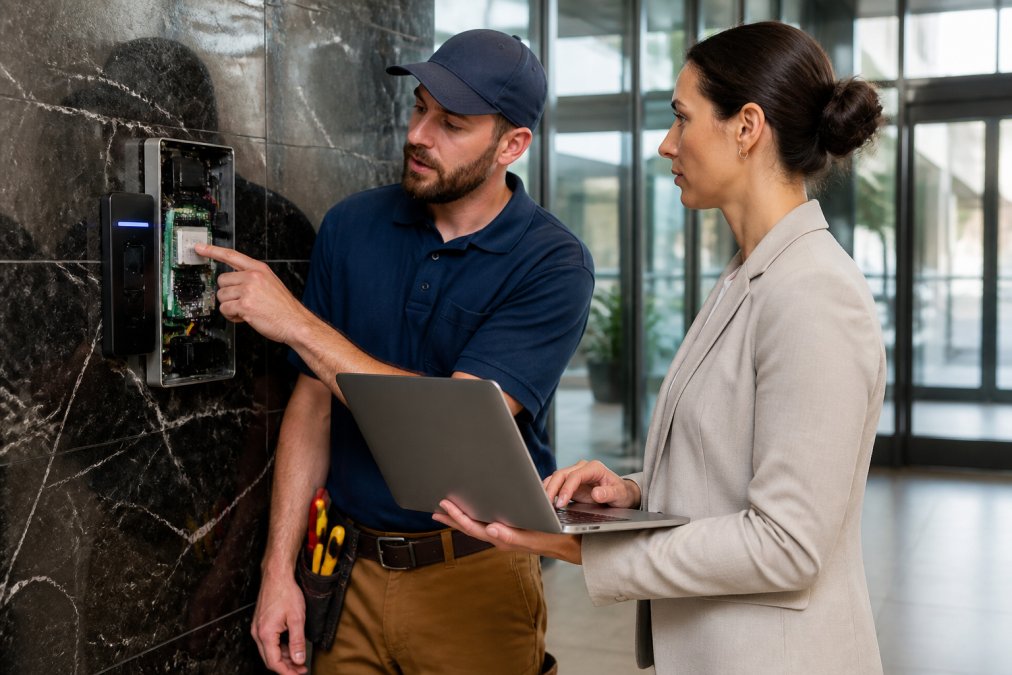
Cloud-based systems let you manage doors from anywhere through a browser. On-premise panels keep data on site but demand more upkeep. For multi tenant properties, cloud wins on flexibility. You can add a tenant in minutes instead of scheduling a service call.
Credential Management and Authentication Methods
Credential management covers how people prove who they are: key cards, mobile credentials, and biometrics. Many buildings run a mix, cards for staff, mobile badges for tenants, biometrics at high-security doors.
Step 3: Connect Surveillance, Intercoms, and Fire Safety Systems
Security integration means your cameras, intercoms, and fire systems talk to each other. When a door alarm trips, the nearest camera should flag the clip automatically.
Step 4: Apply Tenant Security Best Practices Without Overstepping Privacy
Tenant security best practices protect the building without spying on the people inside it. The line is simple: secure shared spaces, stay out of private ones.
- Put cameras on entries, halls, and garages, not inside offices
- Share access logs with tenants when they ask
- Set clear user permissions so staff only see what they need
- Post signage that explains what you monitor
Step 5: Meet Building Security Compliance Standards and Insurance Requirements
Compliance for a multi tenant property is not one rulebook but a stack of overlapping frameworks. Know which bind the building versus which bind a tenant.
Start by sorting the requirements into three buckets:
- Building-wide codes that apply regardless of who rents space: local fire and life safety codes, elevator and egress requirements, and jurisdiction-specific security ordinances. Your authority having jurisdiction (AHJ), typically the local fire marshal or building department, is the final word on egress and lockdown hardware.
- Tenant-specific rules that flow down through the lease. A healthcare tenant may be subject to HIPAA for patient data and physical safeguard expectations for records storage. A financial tenant may fall under SEC and FINRA rules on safeguarding customer information. A federal contractor may need FIPS 201 and HSPD-12 credentialing (Personal Identity Verification (PIV) of Federal Employees and Contractors). A school or childcare tenant triggers its own state licensing rules.
- Voluntary frameworks that insurers and enterprise tenants increasingly expect: ASIS International's security guidelines, the Security Industry Association's (SIA) standards work, and the Open Supervised Device Protocol (OSDP) for reader-to-panel communication. OSDP matters because it replaced the older Wiegand protocol, which transmits credentials in the clear and can be cloned.
Map Each Requirement to a Control
Do not just list the rules. Map each one to the control that satisfies it, and document the mapping. A simple compliance matrix works:
| Requirement source | Control that satisfies it | Evidence produced |
|---|---|---|
| Fire code egress | Access control releases on fire alarm | Annual test log, panel configuration record |
| HIPAA physical safeguards | Restricted floor access, audit trail | Access logs, badge assignment records |
| OSDP reader standard | OSDP-verified readers on secure doors | Manufacturer spec sheets, install records |
| Insurance monitoring clause | Central station monitoring, recorded video | Monitoring contract, retention policy |
Emergency Response Protocols and Audit Logs
Emergency response protocols spell out what happens when something goes wrong, and they are the most under-documented part of multi tenant security. Write them down, assign owners, and test them.
A workable protocol covers four scenarios:
- Medical emergency. Who calls 911, who meets the responding crew at the loading dock or lobby, and who unlocks the specific door the crew needs. Do not rely on a single person knowing the code.
- Fire alarm. Access control must release egress doors automatically on alarm. Confirm the fire panel and access control panel are wired to fail safe, not fail secure, on the egress path. Test this quarterly, not annually.
- Lockdown. Define who has authority to initiate a lockdown, which doors lock, which doors must remain open for egress, and how tenants are notified. A lockdown that traps occupants is a liability, not a control.
- Evacuation and accountability. If your access system tracks entries, you can produce a last-known-occupancy list. Treat that list as a starting point, not a headcount, tailgating and unbadged visitors make it imperfect.
Insurance and Liability Implications
Your commercial property and general liability policies both respond to security failures, but they respond differently, and the difference matters when budgeting.
- Property policy covers damage to the building and often to tenant improvements. A break-in that damages a door or storefront is a property claim.
- General liability policy covers third-party bodily injury and property damage claims. A tenant's customer assaulted in an unlit garage is a general liability exposure.
- Crime or employee dishonesty coverage may respond to internal theft, but only if you can show controls were in place.
Step 6: Run Remote Monitoring and a Single Management Dashboard
Remote monitoring lets your team watch doors, cameras, and system health from one screen. A single dashboard beats juggling five apps.
What to track:
- Door status and forced-entry alerts
- Camera health and recording gaps
- System health, including offline readers
- Real-time alerts sent to the right person
Step 7: Budget for Retrofits and Weigh Cost Against Liability
Most multi tenant buildings were not wired for modern access control. Retrofitting is the largest line item in a security upgrade, and the section most property managers get wrong because they treat it as a hardware purchase instead of a lifecycle decision.
What Actually Drives Retrofit Cost
Retrofit cost is not one number. It is the sum of five drivers, and only two of them are hardware:
- Door count and door type. A standard interior door with an existing electric strike is the cheapest to upgrade. A glass storefront door, a garage gate, or a roof hatch each carry their own hardware and mounting costs.
- Wiring and pathway. If the building already has Cat6 or comparable cabling to each door, you can often reuse it. If not, pulling new cable through finished walls, concrete, or historic structures is where budgets blow up. Wireless locks avoid the pull but trade off on battery maintenance and, in some cases, real-time monitoring.
- Head-end and panel replacement. Older proprietary panels may not support modern credentials, OSDP, or cloud management. Replacing the head-end is a one-time cost that unlocks everything downstream.
- Integration scope. Connecting access control to video, intercom, and the fire panel adds configuration labor. Budget for it explicitly rather than discovering it mid-install.
- Phasing and after-hours labor. Work done outside tenant hours costs more per hour but avoids business interruption. Decide which trade-off you prefer before you sign.
A Simple Cost-Benefit Framework
You do not need a spreadsheet model to make this decision. You need four inputs:
- Annual loss expectancy (ALE). Estimate the probability of a security incident per year and multiply by the expected cost. If a break-in costs $8,000 in damage and lost tenant goodwill and happens once every four years, ALE is roughly $2,000 per year. Use your own incident history, not industry averages.
- Insurance delta. Ask your broker what premium credit a documented access control and monitoring upgrade would earn. That credit is an annual, recurring benefit.
- Operational savings. Manual key management, rekeying after tenant turnover, and after-hours service calls all carry labor cost. A cloud-managed system with mobile credentials typically reduces rekeying to a software action.
- Liability exposure. Assign a rough dollar value to the worst plausible claim, an assault in an unlit garage, a theft from a records room, and weigh it against the retrofit cost. This is judgment, not math, but writing it down forces the conversation.
Phasing Without Disrupting Tenants
A retrofit does not have to be a shutdown. A common pattern is to phase by floor or wing, working nights and weekends on occupied floors and days on vacant ones. Communicate the schedule to tenants at least two weeks out, and give them a single point of contact for access issues during the work.
Weighing Spend Against Liability
A single unsecured entry point can lead to a break-in, a lawsuit, or a denied insurance claim. That risk usually outweighs the retrofit bill, but "usually" is not a budget. Write down the specific exposures at your property, the unmonitored garage gate, the propped loading dock door, the shared mailroom with no camera, and price the retrofit against each one.
Conclusion: Turning Multi Tenant Building Security Into a Repeatable Process
Managing multi tenant building security is not a one-time project. Doors change, tenants turn over, and rules shift. Build a repeatable process: map, install, monitor, review.
Frequently Asked Questions
Can a landlord legally watch tenants on camera in a multi-tenant building?
Cameras are generally allowed in common areas such as lobbies, hallways, garages, and entry points, but not inside units or spaces where tenants have a reasonable expectation of privacy, including restrooms. Many states also regulate audio recording, so most systems stay video-only in shared spaces. Post visible signage, document camera locations, and confirm your approach with legal counsel before installation. Dalcorp Solutions can help property managers plan camera placement that supports multi tenant building security without creating exposure.
What are the best access control systems for multi-tenant commercial properties?
The right commercial access control systems depend on tenant count, entry points, and whether you need cloud-based management across several properties. Cloud platforms with multi-tenancy support let you assign user permissions per tenant, review audit logs, and push credential changes remotely. Look for interoperability with your intercom, surveillance, and fire safety systems so you are not running separate dashboards. Pricing varies by door count and reader type, so request a quote for your specific building.
How do you balance tenant privacy with building-wide security?
Separate data by tenant and limit who can view what. A well-designed platform uses data isolation so one tenant's access records, visitor logs, and contact details are not visible to another. Surveillance stays in common areas, and audit logs track every administrative change. Written tenant security best practices, shared at onboarding, explain what is monitored and why. That transparency reduces objections and makes compliance reviews easier for property managers.
Are property managers responsible for security in a multi-tenant building?
Property managers typically control common areas and shared infrastructure, so they carry responsibility for access control, lighting, cameras, and life safety systems in those spaces. Individual tenants usually secure their own suites and internal assets. Liability and insurance implications vary by lease terms and state law, so review your agreements and confirm coverage with your insurer. Documenting maintenance, testing, and incident response helps demonstrate reasonable care.
- Hits: 4