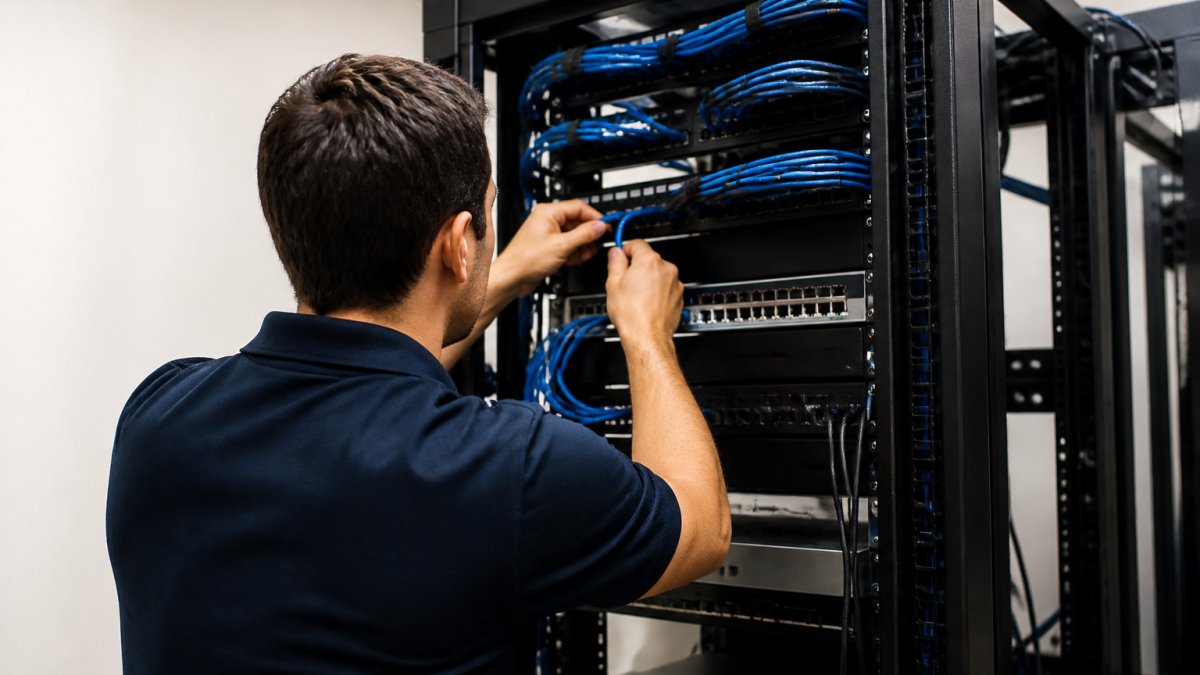
Why Professional Network Cabling Matters for Your Business
Every wireless access point, camera, and card reader in your building depends on a cable you never see. That hidden layer is network cabling, and it decides whether your systems run fast or fail often. At Dalcorp Solutions Inc, we have spent more than 25 years installing low-voltage infrastructure, and the pattern is consistent: most "Wi-Fi problems" start in the closet, not the ceiling.
Table of Contents
- Why Professional Network Cabling Matters: The Foundation of Business Connectivity
- Network Performance, Bandwidth, and Latency: What Cable Quality Controls
- Reliability, Uptime, and Reduced Downtime Through Simplified Troubleshooting
- Network Cabling Installation Best Practices for Consistent Speeds
- Network Cable Management and Organization That Prevents Costly Failures
- Cat 6 Cabling for Businesses: Standards, Distance Limits, and When to Upgrade
- Network Cabling Upgrade Signs: Security, Scalability, and Future Readiness
- Frequently Asked Questions
Last Updated: October 21, 2026
Why Professional Network Cabling Matters: The Foundation of Business Connectivity
Professional cabling is the practice of designing, installing, and testing a structured copper and fiber backbone that carries data between your equipment and the internet. It is planned, labeled, and certified rather than patched together. The difference shows up in uptime, speed, and how quickly a technician can find a fault.
The stakes are practical. A retail floor with dead zones loses sales at the register. A clinic with a dropped connection loses access to records. Below, we cover what cable quality controls, how to plan an installation, and the upgrade signs that tell you it is time to act.
Network Performance, Bandwidth, and Latency: What Cable Quality Controls
Cable quality sets the ceiling on everything above it. A cheap patch cord or a crushed run can cap a gigabit connection to a fraction of its rated speed, and no router setting fixes that.
Bandwidth is how much data a link can carry at once. Latency is how long a signal takes to arrive. Both depend on the physical path. Damaged or undersized cable raises latency and cuts bandwidth at the same time.
Three things degrade a link:
- Interference: electrical and radio-frequency noise from motors, lighting, or power lines bleeding into the signal.
- Poor terminations: loose or untested connectors that cause errors under load.
- Length overruns: runs that exceed the standard distance limit for the cable category.
Here is the practical takeaway. When a user reports slow speeds, test the cable run before replacing hardware. A TIA structured cabling standards overview gives you the baseline for what a compliant link should deliver.
Reliability, Uptime, and Reduced Downtime Through Simplified Troubleshooting
Uptime is a cabling outcome, not an IT department mood. Neat, labeled, documented cable makes faults findable in minutes. Tangled closets turn a five-minute fix into a two-hour hunt.
Most downtime in a well-built network traces to a short list of causes:
- Accidental disconnections from unsecured cables in high-traffic areas
- Hardware failures hidden behind unlabeled runs
- Interference that only appears under peak load
A labeled patch panel and a current port map change the math. Your technician opens the closet, reads the label, and tests the exact link. No guessing, no pulling cables to trace them.
That is the hidden cost of a cheap install. The cabling itself is a small share of the total. The labor to troubleshoot a disorganized closet is what drains budgets year after year.
Network Cabling Installation Best Practices for Consistent Speeds
Consistent speeds come from planning the path before pulling a single cable, then proving the result with measurable tests. Map the runs, separate data cable from power, and certify every link before you close the wall.
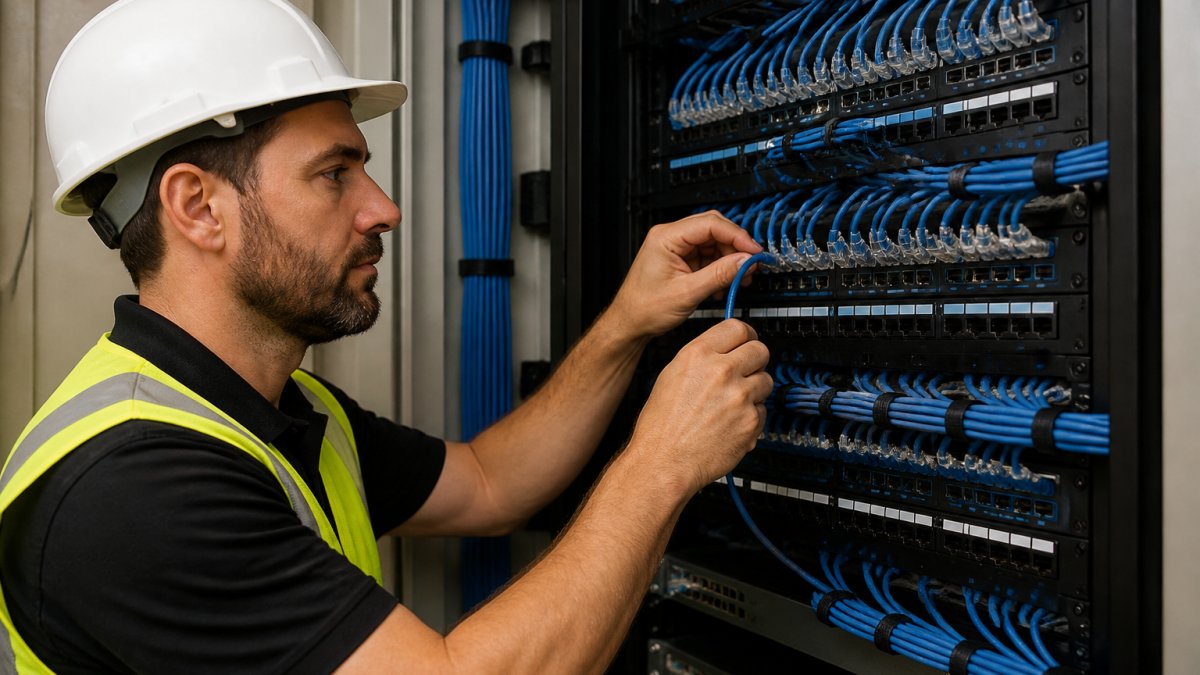
Follow this sequence for a clean installation:
- Survey the site. Note pathways, obstructions, power sources, and any existing cable you can reuse. Photograph the closet before work begins.
- Design the pathways. Keep data runs at least 12 inches from electrical lines where practical, and cross power lines at 90 degrees when you cannot avoid them.
- Pull cable to length. Respect the bend radius (typically four times the cable diameter for copper) and never exceed the category distance limit.
- Terminate and dress. Bundle, secure with Velcro, and label both ends with the same identifier.
- Certify every link. Use a cable certifier, not a simple continuity tester, and record the results.
- Hand over documentation. Port maps, test reports, and as-built drawings go to the owner.
Testing, Certification, and Acceptance Criteria
A link that lights up is not the same as a link that passes. Certification testing measures insertion loss, near-end crosstalk (NEXT), return loss, and propagation delay against the limits for the cable category. A certifier produces a pass/fail report per link, and that report is your acceptance document.
A common pattern is to require 100% certification of copper links and OTDR (optical time-domain reflectometer) traces for fiber. Insist on the native test files, not a summary PDF, so a future technician can re-test against the same baseline. If a link fails, re-terminate and re-test before the wall closes, rework after occupancy costs far more than rework during the build.
Labeling and Handover
Labeling is part of the installation, not an afterthought. Use a consistent scheme (for example, floor-closet-panel-port) on both ends, and post a printed port map inside the closet door. Hand over the certifier reports, the port map, and the as-built drawings in one package. That package is what lets the next technician fix a fault in minutes instead of tracing cables by hand.
Factory-certified installers follow these steps because skipping any one of them shows up later as an intermittent fault. The FCC equipment and wiring guidance is a useful reference for how signal-carrying wiring should be handled in a commercial building, and the TIA structured cabling standards overview defines the performance limits your certifier tests against.
Network Cable Management and Organization That Prevents Costly Failures
Cable management is the discipline of routing, bundling, and labeling cable so it stays serviceable. Done well, it prevents failures and makes every future change faster. Done badly, it hides them.
Good organization delivers four things:
- Airflow and cooling in the closet, which extends hardware life. A dense, unmanaged bundle traps heat around connectors and switch ports.
- Strain relief so connectors are not pulled loose. Support bundles independently of the connectors, and respect the bend radius.
- Clear separation from power lines to cut interference. Keep data and power on separate pathways, and cross at 90 degrees when they must meet.
- Traceability so any link can be found and tested without pulling cables. A consistent label scheme and a posted port map do more for uptime than any single piece of hardware.
The failure mode is predictable. Cables sag into a bundle, weight pulls connectors, and one loose link takes down a switch port. Nobody notices until a camera or register goes offline. The hidden cost is not the cable, it is the labor to troubleshoot a disorganized closet year after year.
We recommend vertical and horizontal managers, Velcro instead of zip ties, and a labeled schedule posted inside the door. Use a consistent identifier on both ends of every run, and keep a current port map with the as-built drawings. Small habits, big payoff over a ten-year life span.
Cat 6 Cabling for Businesses: Standards, Distance Limits, and When to Upgrade
Cat 6 cabling is the current baseline for most commercial networks. It supports higher bandwidth than older categories and handles the distance most office runs require. For new builds, it is the sensible default.
The key facts to know:
- Cat 5e handles basic gigabit but has less headroom for growth.
- Cat 6 supports higher speeds over standard runs and resists interference better.
- Cat 6A adds shielding and longer reach at top speeds for dense or noisy spaces.
- Fiber is the choice for backbone runs between floors or buildings.
Distance limits matter. Every category has a maximum run length, and exceeding it causes errors that look like software problems. Check the IEEE 802.3 Ethernet standards before you specify a category for long runs.
When should you upgrade? When you are pulling new cable anyway, when runs exceed the limit for your category, or when you are adding devices the current cable cannot support.
| Cable Category | Best For | Upgrade Trigger |
|---|---|---|
| Cat 5e | Basic office data | Adding high-bandwidth devices |
| Cat 6 | Most commercial builds | New installs, general growth |
| Cat 6A | Noisy or dense spaces | Interference, longer runs |
| Fiber | Building backbones | Floor-to-floor links |
Network Cabling Upgrade Signs: Security, Scalability, and Future Readiness
An aging cable plant is a security and scalability risk before it is a speed problem. Old, unlabeled, or damaged cabling makes access control and camera systems harder to secure and harder to expand.
Watch for these signs:
- Frequent intermittent faults on the same runs
- Speeds that fall short of what your service plan promises
- A closet you cannot trace without pulling cables
- New devices your current cable cannot support
- Security systems running on the same unmanaged runs as office data
Scalability is the quiet one. Adding cameras, access readers, or new Wi-Fi means more runs and more capacity. A documented, standards-based plant absorbs that growth. A patchwork one forces a rebuild.
Dalcorp Solutions Inc designs these systems as one integrated plant, so security, Wi-Fi, and data share a documented, code-aware foundation. That is what future readiness looks like in practice.
Aging cabling rarely announces itself. It shows up as dead zones, dropped cameras, and closets nobody wants to open. Dalcorp Solutions Inc handles the full scope: site survey, code-aware design, factory-certified installation, and ongoing support across commercial and residential properties. Our team brings 25+ years of experience, licensed and insured work, and a complete approach to low-voltage integration. Get started with Dalcorp Solutions Inc and build a network foundation that stays reliable as your building grows.
Frequently Asked Questions
How does professional network cabling improve network performance?
Professional network cabling improves performance by eliminating the physical bottlenecks that degrade bandwidth and introduce latency. Certified installers use the correct cable category, keep runs within distance limits, avoid interference from electrical sources, and test every connection. The result is consistent speeds across the building, fewer dropped packets, and reliable data transfer even during peak usage. Properly installed cabling also supports higher bandwidth needs as your business adds devices and cloud applications.
What problems can poor network cabling cause?
Poor network cabling causes intermittent connectivity, slower data transfer, latency spikes, and dropped video calls. It can also create security gaps when unmanaged cables are easy to tamper with, and it makes troubleshooting far harder because every fault is buried in a tangle of unlabeled runs. In retail and office settings, these issues show up as failed transactions, security camera gaps, and frustrated staff. Electrical interference and radio-frequency interference from nearby equipment worsen the problem when cables are not properly shielded or routed.
When should a business upgrade its network cabling?
Common network cabling upgrade signs include frequent Wi-Fi dead zones, speeds that fall short of your internet plan, new security or access control systems that need dedicated runs, and a building renovation or expansion. If your cabling is Cat 5 or older, it likely cannot support current bandwidth demands. Persistent troubleshooting that keeps pointing back to physical connections is another signal. An on-site survey can confirm whether a targeted upgrade or a full structured cabling refresh makes sense.
What should businesses look for in a network cabling installer?
Look for a licensed and insured installer with experience in commercial low-voltage systems, not just residential work. Ask about factory certifications, whether they test and certify every run, and how they document cable management and labeling. Confirm they can handle code-aware planning for your building type and coordinate with your IT team. A clear process from site survey through ongoing support matters as much as the installation itself, because cabling is infrastructure you will rely on for years.
- Hits: 2