Residential Smart Security System Planning: 2026 Guide
Residential smart security system planning means mapping every entry point, testing network coverage, and designing sensor placement before buying hardware. At Dalcorp Solutions Inc, we've completed over 2,000 Chicagoland projects, and the pattern is consistent: systems that fail were designed around a product catalog, not the building.
Table of Contents
- Residential Smart Security System Planning Starts With a Site Survey
- Choosing Security System Integrators vs. Buying Off the Shelf
- Low-Voltage Security Infrastructure: The Layer Most Homeowners Skip
- Smart Home Security Design Best Practices for Sensor Layout
- Professional Monitoring vs. Self-Monitoring: What the Contract Actually Covers
- Cybersecurity and False Alarm Mitigation in Residential Smart Security System Planning
- Conclusion: Plan the Infrastructure, Then Buy the Devices
- Frequently Asked Questions
Last Updated: October 2, 2026
Residential Smart Security System Planning Starts With a Site Survey
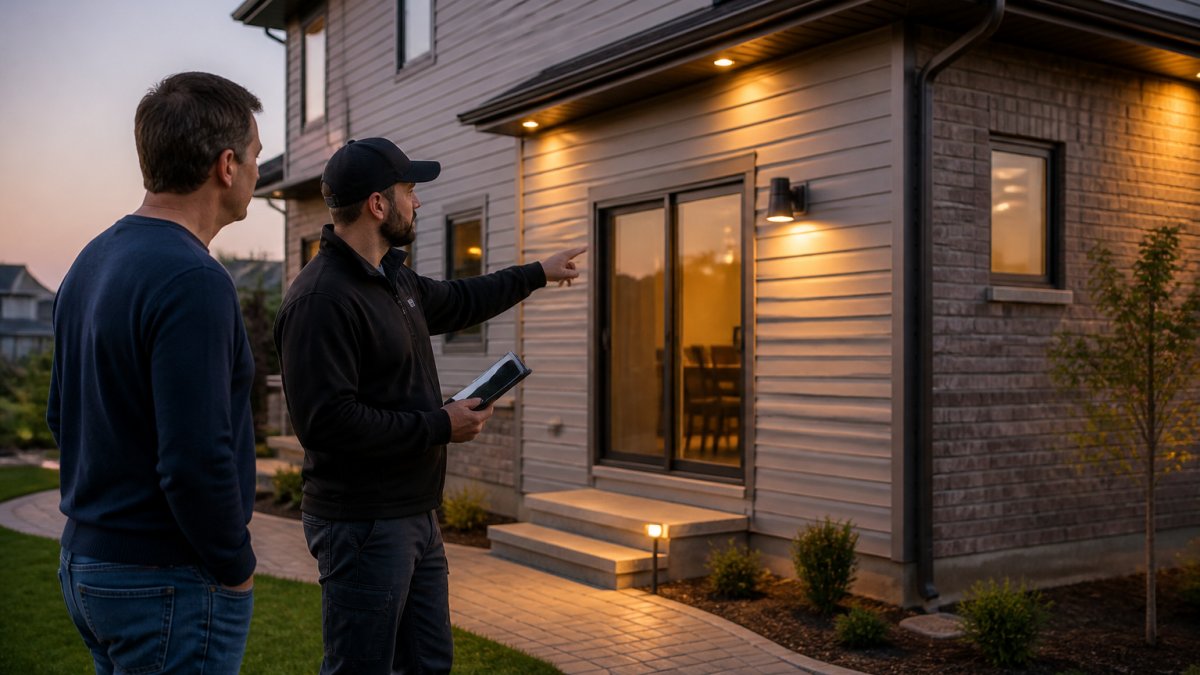
A site survey changes that. It takes an afternoon and prevents the most expensive mistakes in home security.
Walk the Perimeter and List Every Entry Point
Start outside. Walk the full perimeter and document every access point, not just the obvious ones.
- Ground-floor windows and sliding doors
- Garage doors and service entries
- Basement windows and crawlspace access
- Second-story windows reachable from a roof or deck
- Side gates and fence lines
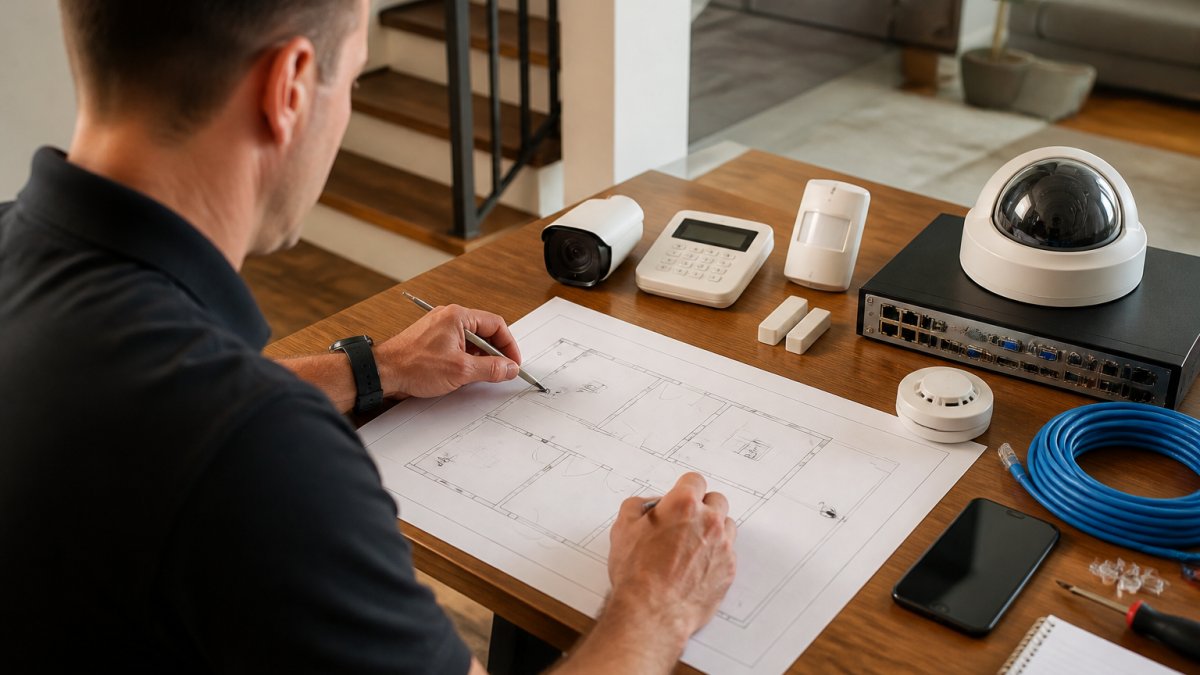
A common mistake is counting doors and stopping there. Window contacts and glass break sensors cover different threats, and a sliding door needs a different sensor than a hinged one. Label each entry point on a floor plan sketch, that sketch becomes the backbone of your residential smart security system planning process.
Map Wi-Fi Signal Strength Before You Choose Hardware
Test Wi-Fi signal strength in every corner where a camera, doorbell, or keypad will live, before buying anything.
Most homeowners find coverage gaps after installation, when a doorbell camera drops frames or a garage camera goes offline.
The fix is usually a mesh node or dedicated access point, not a pricier camera. Cameras need consistent upstream bandwidth; a strong spec sheet still fails on a weak connection.
Choosing Security System Integrators vs. Buying Off the Shelf
Security system integrators design, install, and support the full system: wiring, network, cameras, access control, and monitoring. Off-the-shelf kits are self-installed packages that trade professional design for lower upfront cost.
The trade-off is real, but not the one most guides describe. A retail kit works for a small apartment with strong Wi-Fi and two or three devices. It struggles in a multi-story house with a detached garage, older wiring, and mixed camera types.
Renters and Homeowners Need Different Plans
The right approach depends less on budget than on how long you'll stay and whether you can modify the building.
Renters should plan around non-permanent installation. That means:
- Adhesive-mounted contact sensors and doorbell cameras that do not require drilling
- Battery-powered or plug-in cameras instead of hardwired runs
- A self-contained hub that travels with you at move-out
- Written landlord permission before any exterior mounting or wiring
- A plan to remove and patch mounts without forfeiting a security deposit
Homeowners can plan for permanence, which changes every downstream decision:
- Hardwired power at each camera location instead of battery swaps
- In-wall or attic cable runs that survive a decade of use
- A head-end panel or network closet that centralizes the system
- Structural mounting for cameras and keypads
- Resale documentation that shows the next owner how the system is wired
A renter who buys a hardwired kit wastes money on irreversible installation. A homeowner who buys a battery-only kit pays yearly in replacements and dropped connections.
How to Evaluate an Integrator
When comparing providers, ask questions that force specifics:
- Are they licensed and insured for low-voltage work in your state?
- Do they provide a site survey and a written design before quoting?
- Will they document every cable run with photos and labels?
- What does ongoing support look like after installation, and is it included or billed hourly?
- Can they integrate cameras, access control, and Wi-Fi as one system, or do they subcontract parts of it?
- Do they pull permits where local code requires it?
A written design is the best filter. An integrator who won't put the design in writing before you sign is selling hardware, not planning.
| Approach | Best For | Typical Trade-Off |
|---|---|---|
| Off-the-shelf kit | Renters, small units, strong Wi-Fi, short time horizon | Limited design support, self-troubleshooting, no permanent wiring |
| Professional integrator | Multi-story homes, mixed devices, older wiring, long time horizon | Higher upfront cost, professional design and support included |
Dalcorp Solutions Inc brings 25+ years of experience and factory-certified installation to this work, with a process that runs from site survey through ongoing support.
Low-Voltage Security Infrastructure: The Layer Most Homeowners Skip
Low-voltage security infrastructure covers the cabling, power, and network backbone every smart device depends on. It determines whether your system works in year five, not just week one.
Most homeowners skip it because it's invisible. Cameras and doorbells get attention; the cable runs and switches behind them get ignored, until a camera needs a new run or a keypad needs power, and the walls have to open up.
Plan for infrastructure during the survey phase:
- Identify where a network switch or head-end panel will live
- Confirm power availability at each camera location
- Plan cable runs that avoid finished walls where possible
- Leave spare capacity for future devices
Battery life and connectivity depend on this layer. A camera on weak power or a congested network underperforms regardless of specs.
Smart Home Security Design Best Practices for Sensor Layout
Smart home security design best practices start with layering sensors so no single failure leaves a gap. Motion sensors, window contacts, and glass break sensors each cover a different threat and work best together.
Placement rules that hold up in practice:
- Mount motion sensors at 6 to 8 feet, angled across the room's main path, not facing a window
- Put window contact sensors on every ground-floor window and any second-floor window reachable from a roof
- Add glass break sensors in rooms with large panes or sliding doors
- Keep a keypad near the primary entry and a second one near the garage or service door
- Test tamper protection on every device before finalizing placement
Avoid aiming motion sensors at heating vents, direct sunlight, or pets' paths. False triggers erode trust fast, and a homeowner who disarms a sensor to stop alerts has effectively removed it.
Camera Placement, Field of View, and Night Vision
Camera placement decides whether footage is useful or decorative. A camera pointed at an empty yard captures nothing; one framing the entry path captures faces.
Prioritize these locations:
- Front entry and doorbell camera
- Rear sliding door or patio access
- Driveway and garage approach
- Any side gate or secondary entry
Check field of view against the actual approach path, not the property line. Night vision matters most at entry points, where lighting is worst. Two-way audio and real-time alerts add value at the doorbell and primary entry.
Professional Monitoring vs. Self-Monitoring: What the Contract Actually Covers
Professional monitoring routes alerts to a trained response center that contacts you and, if needed, emergency services. Self-monitoring sends alerts to your phone and leaves the response to you.
The difference shows up at 2 a.m. Self-monitoring works if you're awake, reachable, and willing to act. Professional monitoring works when you're not.
How the Signal Actually Travels
Understanding the alarm path explains most contract terms. A sensor triggers, the panel sends a signal over one or more paths, a central station receives it, an operator verifies, and only then does dispatch happen.
- Primary path: the home's internet connection. Fast and cheap, but the first thing to fail in a power outage or a cut line.
- Cellular backup: a built-in cellular radio that keeps the panel online when the internet drops. Usually an add-on, sometimes bundled.
- Phone line: still supported by some legacy panels, but increasingly rare and slow.
A system with only an internet path is a system that goes dark during the exact event it was installed to catch. Confirm which paths are included before signing.
What "Dispatch" Actually Means
"Dispatch" isn't a single behavior. Providers differ on what triggers a call to you versus emergency services, and that difference determines whether a real intrusion gets a response.
Common patterns:
- Verified dispatch: the central station confirms a real event, via audio, video, or a second sensor trip, before contacting authorities. Fewer false dispatches, but a short delay.
- Unverified dispatch: any alarm trip triggers a call to authorities. Faster, but more false alarms and, in some jurisdictions, fines for repeated false dispatches.
- Call-first: the operator calls you before dispatching. Works when you answer; fails when you don't.
Ask which pattern the provider uses and whether you can change it. Many homeowners assume dispatch is automatic and discover otherwise after a false alarm.
Contract Terms That Determine Real Cost
Monthly terms vary widely by provider and coverage level. The line item that matters most isn't the monthly rate, it's total cost of ownership across the contract term.
Confirm these in writing before signing:
- Contract length and cancellation terms. Multi-year contracts often carry early-termination fees equal to the remaining balance. Month-to-month costs more per month but commits you to nothing.
- Equipment ownership. Do you own the panel and sensors, or does the provider? If the provider owns them, what happens at cancellation?
- Cellular backup. Included or extra? If extra, what is the monthly add-on?
- Cloud storage retention. How many days of footage are kept, and is that tier included or an upgrade?
- Self-monitoring fallback. If you cancel professional monitoring, does the app still work, or does the system become a brick?
- Warranty and service calls. Are service visits included, or billed per trip?
Get the terms in writing before committing, and request a written scope from any integrator listing every device, cable run, and support term.
Cybersecurity and False Alarm Mitigation in Residential Smart Security System Planning
Cybersecurity and false alarm mitigation are the two most overlooked parts of residential smart security system planning. Both are design decisions, not afterthoughts.
On the security side, every connected device is an entry point into the home network. Basic hardening steps:
- Change default passwords on every camera, router, and hub
- Enable encryption on the Wi-Fi network and use WPA3 where supported
- Put cameras and smart devices on a separate network segment or guest network
- Keep firmware updated on all devices
- Disable remote access features you don't use
The FCC's guidance on securing home networks and connected devices outlines baseline practices for connected devices, and the CISA's recommendations for securing Internet of Things devices covers router and device hardening in more depth.
False alarms are the other half. Repeated false triggers lead homeowners to ignore alerts, which defeats the system. Reduce them by:
- Avoiding motion sensors near heat sources and direct sunlight
- Using pet-immune sensors in homes with animals
- Setting entry delays long enough to disarm without rushing
- Testing every sensor's sensitivity before finalizing
Conclusion: Plan the Infrastructure, Then Buy the Devices
The hardest part of a residential smart security system isn't picking cameras. It's planning the network, power, and sensor layout those cameras depend on, and most homeowners only discover the gaps after installation.
Dalcorp Solutions Inc handles that planning as a single process: site survey, low-voltage infrastructure design, and code-aware installation across cameras, access control, and Wi-Fi. With 25+ years in the Chicagoland area, factory-certified technicians, and full licensing and insurance, the team designs systems meant to work in year five, not just week one. Get started with Dalcorp Solutions Inc and build a security system around your building instead of around a product box.
Frequently Asked Questions
What are the essential components of a residential smart security system?
A complete setup usually includes a base station or hub, a keypad, door and window contacts, motion sensors, a glass break sensor, a doorbell camera, outdoor cameras, and a siren. Cellular backup keeps the system online if your internet drops, and battery life on wireless sensors typically runs one to five years depending on traffic. The base station ties everything together and pushes real-time alerts to your mobile app.
How much does a smart security system cost?
Cost depends on how many entry points you protect, whether you choose professional or self-monitoring, and how much low-voltage infrastructure the home already has. A retrofit on a small house with existing wiring costs far less than a full pre-wire. Because every property is different, pricing depends on quantity, dates, and site conditions, so request a quote from Dalcorp Solutions for current figures.
What is the difference between DIY and professionally installed security systems?
DIY kits are cheaper up front and quick to set up, but they rely on your existing Wi-Fi, which often means dead zones, latency, and weak signal at the far corners of the house. Professional installation adds a site survey, dedicated low-voltage security infrastructure, correct sensor placement, and code-aware wiring. The tradeoff is upfront cost versus reliability, coverage, and ongoing support when something fails.
How does low-voltage infrastructure impact smart security performance?
Cameras, sensors, and access control all run on low-voltage cabling and network bandwidth. If the wiring is undersized or the Wi-Fi signal strength is weak, you get dropped frames, delayed alerts, and cameras that go offline during peak use. Planning dedicated runs and a network that can handle video surveillance before devices are mounted prevents most of the callbacks homeowners deal with after a cheap install.
How do I reduce false alarms from motion sensors?
Place motion sensors away from HVAC vents, direct sunlight, and windows where heat shifts trigger them. Use pet-immune models if you have animals, and set entry delays long enough to disarm the keypad without rushing. AI-powered detection on modern cameras filters out passing cars and swaying trees, which cuts nuisance alerts. Pair that with two-way audio so you can verify before dispatching.
What should I consider when planning for future-proof home security?
Leave spare capacity in your low-voltage panel, run conduit to spots you may want cameras later, and pick a base station that supports automation and smart home integration. Confirm the system uses encryption on both the device and cloud storage side, and check whether the manufacturer allows local storage as a fallback. Contract length and remote access terms matter too, since a locked-in subscription limits your options later.
- Hits: 6