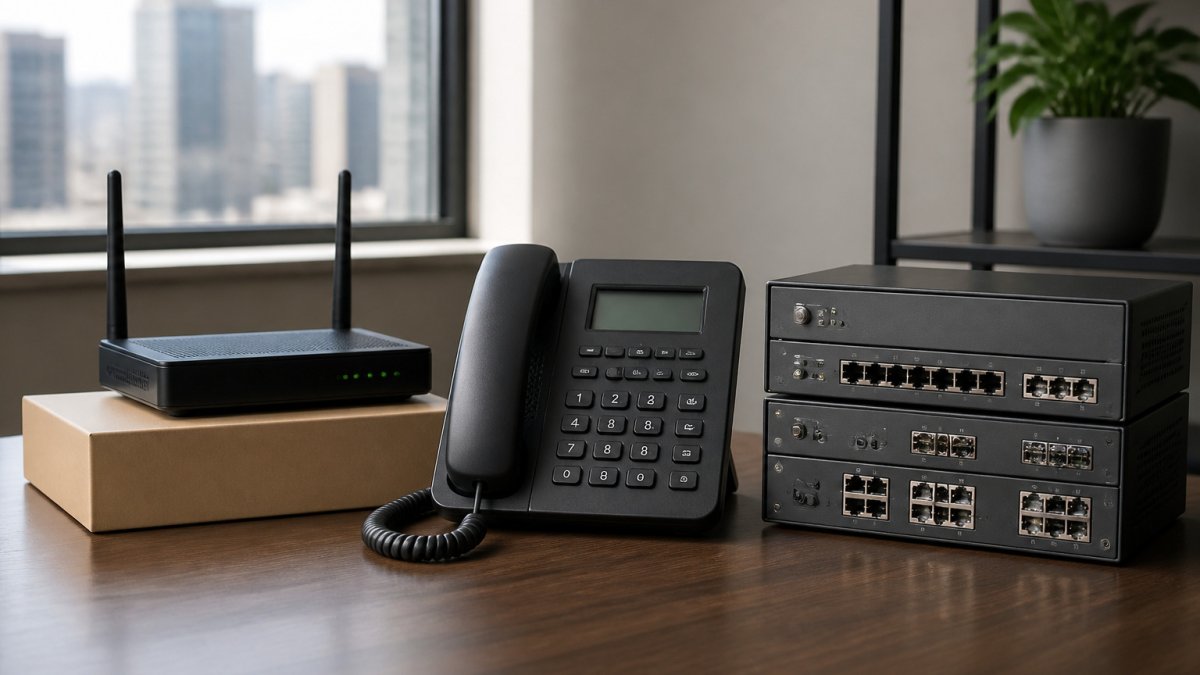
Business Phone Systems Chicago: VoIP vs PBX Compared
Business phone systems in Chicago come in two main architectures: VoIP cloud systems, which send calls over your internet connection and suit hybrid teams, and PBX systems, which run on physical equipment in your office. The right choice depends on where your staff works and how much control you need over the equipment.
Last Updated: October 30, 2026
Quick Summary
- VoIP systems are hosted by the provider, so you avoid buying a large phone server.
- PBX suits organizations that need strict control or must keep voice traffic inside their own network.
- Confirm which routing and analytics features are included before choosing an entry-level tier.
- Request a written quote with taxes, regulatory fees, and 911 surcharges itemized for each vendor.
- Test Cat 6 cabling and confirm Wi-Fi coverage before ordering phone hardware.
Table of Contents
- How Business Phone Systems in Chicago Differ by Architecture
- Side-by-Side Comparison of Leading Providers and Plans
- Business Phone System Features That Matter Most
- Business Phone System Cost and Total Cost of Ownership
- Business Phone System Installation and Migration Timelines
- Cat 6 Cabling for VoIP Phones and Network Readiness
- Choosing Your Chicago Phone System and Booking a Site Survey
- Frequently Asked Questions
How Business Phone Systems in Chicago Differ by Architecture
Businesses choosing a business phone system usually pick between two architectures: VoIP (cloud-hosted) and PBX (on-premises). The architecture decides where the equipment lives, who maintains it, and how easily your team can work from anywhere.
VoIP and cloud phone systems send voice calls over your internet connection. The provider hosts the software, so you avoid buying a large phone server. Staff can take calls on desk phones, softphones, or a mobile app. FCC guidance on Voice over Internet Protocol services
PBX systems are traditional on-premises setups. A physical box sits in your office and routes calls between internal extensions and the phone network. This model can suit organizations with strict control requirements, but it requires space, power, and in-house or contracted maintenance.
A cloud-based system is often a good fit for offices with mixed or hybrid staff, since it can keep remote and onsite employees on one directory. Teams that rely on a single dedicated server room, or that must keep voice traffic entirely inside their own network, may still justify PBX.
Side-by-Side Comparison of Leading Providers and Plans
Provider pages often list features without the criteria that decide a purchase. The matrix below compares several cloud phone providers on entry price, entry-tier inclusions, contract flexibility, number porting, and support model. Confirm current prices on each provider's site before you budget.
| Provider | Published Entry Price | Entry-Tier Inclusions to Verify | Contract Flexibility | Porting and Support | Best Fit |
|---|---|---|---|---|---|
| Zoom Phone | Metered and unlimited usage plans; per-user pricing published on the provider site | Domestic calling, voicemail, basic auto-attendant; advanced routing may be add-on | Monthly and annual options | Number porting supported; support tiers vary by plan | Teams already standardized on Zoom meetings |
| GoTo Connect | Per-user plans with tiered feature bundles | Calling, messaging, meetings, and contact-center add-ons at higher tiers | Monthly and annual | Porting supported; U.S.-based support hours vary by plan | Businesses that want voice, chat, and meetings in one admin console |
| Dialpad | Per-user plans starting at a published entry tier | AI transcription and call summaries typically gated to higher tiers | Monthly and annual | Porting supported; onboarding assistance on select plans | Teams that want AI note-taking and transcription |
| Aircall | Per-user plans with annual-billing discounts | Call routing, analytics, and integrations; some integrations are paid add-ons | Annual emphasis | Porting supported; onboarding and support included at most tiers | Sales and support teams heavy on CRM integrations |
| RingCentral | Tiered per-user plans (Essentials, Standard, Premium, Ultimate) | Messaging, video, and advanced analytics ladder up by tier | Monthly and annual | Porting supported; 24/7 support on higher tiers | Organizations that want a broad UCaaS suite from one vendor |
| Nextiva | Tiered per-user plans | Unlimited domestic calling, voicemail-to-email, and team messaging at entry | Monthly and annual | Porting supported; dedicated account management at upper tiers | Small businesses that want simple all-in-one pricing |
When comparing providers, ask each vendor for a written quote at your actual seat count and feature list, and confirm whether taxes, regulatory fees, and 911 surcharges are included.
Selection criteria that separate the shortlist:
- Uptime commitment. Ask for the service-level agreement in writing, including the credit you receive if uptime falls below the commitment.
- Call quality mechanism. Confirm which codecs the provider supports and whether it offers a managed network or QoS guidance for your internet circuit.
- Porting timeline. Ask for a typical porting window for your current carrier and whether the provider assigns a porting specialist.
- Support response. Ask for the published response-time targets by severity and whether support is U.S.-based and available during your operating hours.
- Scalability. Confirm how per-seat pricing changes at volume and whether you can add or remove seats mid-term.
Business Phone System Features That Matter Most
A phone system is only as useful as the features your staff use every day. Focus on these:
- Auto-attendant and call routing: Sends callers to the right person or department without a receptionist.
- Call queues: Holds calls for the next available agent during busy periods.
- Voicemail-to-email: Delivers messages to inboxes so nothing gets lost.
- Mobile app and softphone: Lets remote and hybrid employees take business calls from a laptop or phone.
- CRM integration: Connects call logs to your customer records.
- Conference calling: Supports team calls without a separate bridge service.
Watch out: Many plans only include advanced routing or analytics at higher tiers. Confirm which features are included before you sign.
Our practical advice is to list the three features your team uses most, then price only the plans that include them.
Business Phone System Cost and Total Cost of Ownership
Total cost of ownership is often more useful than a per-user monthly price alone. It covers the all-in figure across hardware, installation, taxes, support, and the staff time to run the system. The framework below can help you estimate that figure before you sign, using written quotes.
The five cost layers
- Subscription fees. Per-user monthly fees multiplied by seat count and contract term. Entry tiers are cheapest but usually exclude the routing, analytics, or integrations that drove the purchase. Price the tier that actually includes your must-have features.
- Hardware. Desk phones, headsets, conference devices, and any replacement of aging switches or cabling. Cloud systems reduce but do not eliminate hardware spend, most offices still buy desk phones for reception and shared spaces.
- Installation and network readiness. Cabling, patch-panel work, switch upgrades, and Wi-Fi improvements. Cloud voice puts more demand on the local network, so budget for a readiness assessment even when the provider's onboarding is included.
- Porting and transition. Number porting is often included, but parallel running of old and new systems, temporary forwarding, and staff time during cutover are real costs.
- Ongoing support and administration. Support tiers, add-on integrations, and the internal or contracted time to manage users, call flows, and reporting.
Build a first-year and three-year estimate
| Cost layer | What to request in writing | Why it matters |
|---|---|---|
| Subscription | Quote at your actual seat count and feature tier, monthly and annual | Annual billing usually discounts but locks you in |
| Taxes and fees | Confirmation of whether taxes, regulatory fees, and 911 surcharges are included | These can add a meaningful percentage to the quoted price |
| Hardware | Itemized device list with unit prices | Avoids surprise device costs at onboarding |
| Installation | Scope of cabling, switch, and Wi-Fi work, with a fixed price | Network work is the most common budget overrun |
| Porting | Written porting timeline and any fees | Delays cost staff time and temporary-service fees |
| Support | Response-time targets and any add-on support cost | Cheap plans can carry expensive support gaps |
Rules of thumb that hold across providers
- The advertised entry price is rarely the price at your feature tier. Budget for the tier above entry if you need auto-attendant, queues, or analytics.
- Annual billing lowers the monthly rate but raises switching cost. Match the term to how confident you are in seat count.
- Cloud voice shifts spend from capital to operating, but network readiness is a one-time capital item many buyers forget.
- Three-year TCO, not first-year price, is the fair comparison across vendors with different contract structures.
A written quote that itemizes each layer is the only reliable way to compare vendors. Ask every shortlisted provider for the same breakdown so the totals are apples to apples.
Business Phone System Installation and Migration Timelines
Installation time depends on the size of the office and the condition of the network. A typical cloud migration follows these stages:
- Discovery and site survey to confirm bandwidth and wiring.
- Number porting, which can take days or weeks depending on carrier approvals.
- Hardware setup and device provisioning.
- Call flow configuration, including auto-attendant and queues.
- Staff training and a pilot group test.
- Full cutover once the pilot runs cleanly.
Plan for a parallel run where old and new systems overlap briefly. This protects you if a porting request stalls.
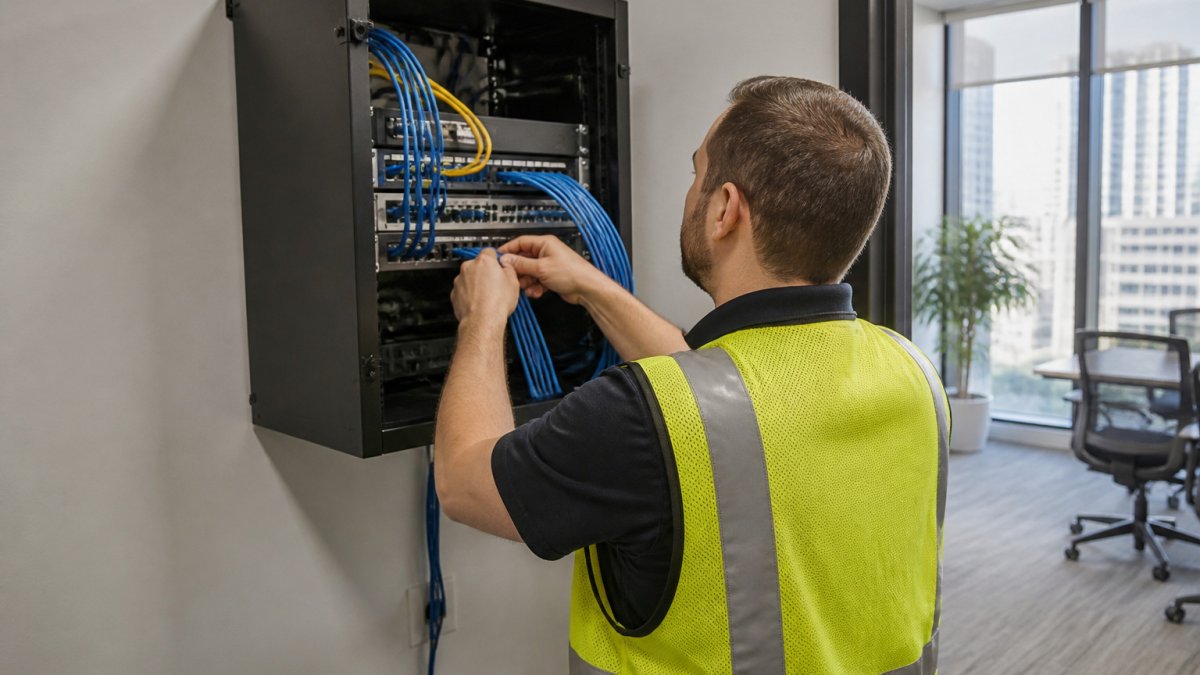
A technician in a work vest routes network cables into a wall-mounted rack inside a bright Chicago office server closet.
Cat 6 Cabling for VoIP Phones and Network Readiness
VoIP phones depend on a clean, stable network. Cat 6 cabling supports the gigabit speeds and low-noise connections that voice traffic needs. Before you install phones, confirm that wiring runs are tested and documented.
Ask for these items in any cabling proposal:
- Certified copper runs with test results for each drop.
- Labeled patch panels and documented MDF/IDF layouts.
- Wi-Fi coverage checks for mobile handsets and softphones.
Dalcorp Solutions Inc designs, installs, and supports low-voltage and networking infrastructure, including Wi-Fi, for commercial and residential properties in the Chicagoland area. Teams that also need Wi-Fi site surveys and coverage planning can review heatmaps and channel plans for handsets and softphones before rollout. Our team can assess your existing cabling for VoIP readiness before any phone hardware is ordered.
Choosing Your Chicago Phone System and Booking a Site Survey
Start by matching the architecture to your staffing model. Cloud systems suit hybrid teams. PBX suits organizations that must keep equipment on-site. Then shortlist two or three providers and compare their verified plan details.
Before you commit, consider a site survey to confirm bandwidth and cabling. Dalcorp Solutions Inc can review your network and discuss your options for a cloud phone system. Our team also supports network deployment work that VoIP depends on. When you are ready for a proposal, request a quote from our team.
Frequently Asked Questions
What types of business phone systems are available?
Business phone systems generally fall into three groups: cloud-hosted VoIP services, on-premises PBX systems, and hybrid models that combine both. Cloud systems run through a provider's data centers and are managed through a web portal or app, which suits multi-site and remote teams. On-premises PBX hardware sits in your building and needs local maintenance, while hybrid setups keep some local equipment alongside cloud calling. Comparing them on uptime, upfront cost, and staff support requirements will narrow the choice quickly for most Chicago businesses.
What is the difference between VoIP and a traditional business phone system?
VoIP sends voice calls over your internet connection instead of dedicated copper telephone lines. Traditional systems rely on analog or digital phone lines and on-site PBX hardware. VoIP typically offers lower monthly line costs, easier adding and removing of users, and remote access through softphones. It does depend on network quality, so call quality is tied to your bandwidth, switches, and Cat 6 cabling. Traditional systems can keep working during internet outages where a separate line is maintained.
How much does a business phone system cost?
Pricing depends on the number of users, the plan tier, the features included, hardware needs, and installation scope. Dalcorp Solutions Inc does not publish standard pricing for phone systems, so visit dalcorpsolutions.com or request a quote for your needs.
Can a business phone system use existing network cabling?
Often it can, but the answer depends on the age and condition of your cabling. VoIP phones usually need a reliable Ethernet connection, and Cat 6 cabling is a common standard for new runs because it supports higher bandwidth and reduces interference over longer distances. Older Cat 5 or damaged runs may work for basic calling but can cause dropped or choppy calls.
Dalcorp Solutions Inc has provided phone, cabling, and Wi-Fi services across the Chicagoland area for over 25 years. Our team is licensed and insured, and our installations are factory-certified. Contact us to plan a site survey and get a clear, itemized proposal for your business phone system.

- Hits: 5