How Do You Install Cat 6 Cabling in Chicago?
Installing cat 6 cabling in Chicago starts with planning: confirm your building's infrastructure, choose the right cable grade, and verify a licensed low-voltage contractor before any cable is pulled. The work then moves through a site survey, pathway preparation, cable pulling, termination, and certification testing of every link.
Last Updated: October 28, 2026
Quick Summary
- Cat 6 supports 10 Gbps over short runs and suits most offices, while Cat 6A reaches the full 100-meter length.
- Keep every run under the 100-meter channel limit, measured from patch panel to outlet including patch cords.
- Pull cable with a pulling grip and never exceed the manufacturer's maximum pulling tension, commonly 25 pounds.
- Terminate with T568B or T568A consistently and keep pairs untwisted no more than about half an inch.
- Request a certification report for every drop, since a continuity check alone does not prove Cat 6 performance.
Table of Contents
- What You Need Before Starting a Cat 6 Cabling Project
- Cat 6 vs. Cat 6A: Choosing the Right Cable for Your Building
- Planning Network Cable Drops for Offices
- Step-by-Step Cat 6 Cable Installation
- Ethernet Cable Testing and Certification
- Chicago Permits, Codes and Cost Factors
- Booking Your Cat 6 Project with Dalcorp Solutions
- Frequently Asked Questions
Installing Cat 6 cabling in Chicago starts long before anyone pulls a cable. Most failed projects trace back to skipped planning: the wrong cable grade for the building, drops placed without a floor plan, or inspections missed because nobody checked local requirements first. This guide walks through how a Cat 6 project is scoped, installed, tested, and approved, so you know what to expect before a contractor arrives.
What You Need Before Starting a Cat 6 Cabling Project
Before any cable moves, confirm three things: the building's existing infrastructure, the network speed you actually need, and who is authorized to do the work. Gather the floor plans, note where telecom rooms and rack space exist, and document which areas need Wi-Fi, phones, cameras, or access control. A clear scope helps define the work included in a bid.
Verify licensing early. Find and verify a licensed low-voltage contractor who understands local Chicago requirements. Ask whether the contractor has the licenses and insurance required for the work, and whether a permit is required and who schedules any inspections.
Plan for downtime. In an occupied building, cable drops often happen after hours or in phases. Agree on access times with building management before the crew is scheduled.
Cat 6 vs. Cat 6A: Choosing the Right Cable for Your Building
Cat 6 supports 10 Gbps over short runs and is the standard choice for most offices, retail spaces, and homes. Cat 6A extends that 10 Gbps performance to the full 100-meter channel length and offers better alien crosstalk resistance, which matters in dense bundles. For most small and mid-sized projects, Cat 6 is sufficient and costs less to install. Cat 6A makes more sense for new construction, high-density data closets, or buildings expected to support heavy future bandwidth.
Cat 5e still appears in older buildings, but it tops out at 1 Gbps and is no longer a good choice for new runs. If your project is a replacement, weigh the cost of reusing existing cable against the performance and warranty benefits of new Cat 6 or 6A.
Planning Network Cable Drops for Offices
Drop placement drives both Wi-Fi coverage and long-term flexibility. Place drops where people will work, not just where walls are convenient. Access points, phones, and workstations each need a drop, and most offices underestimate how many they will eventually need.
Keep every run under the 100-meter channel limit, measured from the telecom room patch panel to the wall outlet, including patch cords. Route cable away from electrical lines to reduce interference, and leave a service loop at each end so the cable can be re-terminated later. A well-planned drop layout often prevents the Wi-Fi dead zones that frustrate staff, because access points can be mounted where the cable actually reaches.
Step-by-Step Cat 6 Cable Installation
A commercial Cat 6 installation can involve several stages, including a pre-installation survey, pathway preparation, cable pulling, termination, and testing. The walkthrough below describes these stages.
Stage 1: Pre-Installation Survey and Drop Plan
Walk the building with the floor plan and mark every proposed outlet, access point, camera, and phone location. See how drop placement affects Wi-Fi dead zones. For each drop, note the pathway from the telecom room to the outlet: ceiling plenum, wall cavity, conduit, or surface raceway. Measure the route, not the straight-line distance, because the 100-meter channel limit applies to the actual cable path from patch panel to outlet, including patch cords at both ends.
Identify obstacles early: fire-rated walls that need penetration seals, masonry that requires core drilling, and ceiling areas with limited access. Confirm whether existing pathways have spare capacity; a J-hook bundle that is already full will not accept another 20 cables. Record the telecom room rack space, available switch ports, and power for testing equipment.
Stage 2: Pathway Preparation
Install J-hooks, cable tray, or conduit before pulling any cable. Support horizontal cable at intervals recommended by the manufacturer, and do not let it rest on ceiling tiles, ductwork, or sprinkler pipes. Follow applicable requirements for separation from electrical power.
Cable ratings and fire-stopping requirements depend on the space and applicable codes. Confirm the requirements for the building before installation.
Stage 3: Pulling the Cable
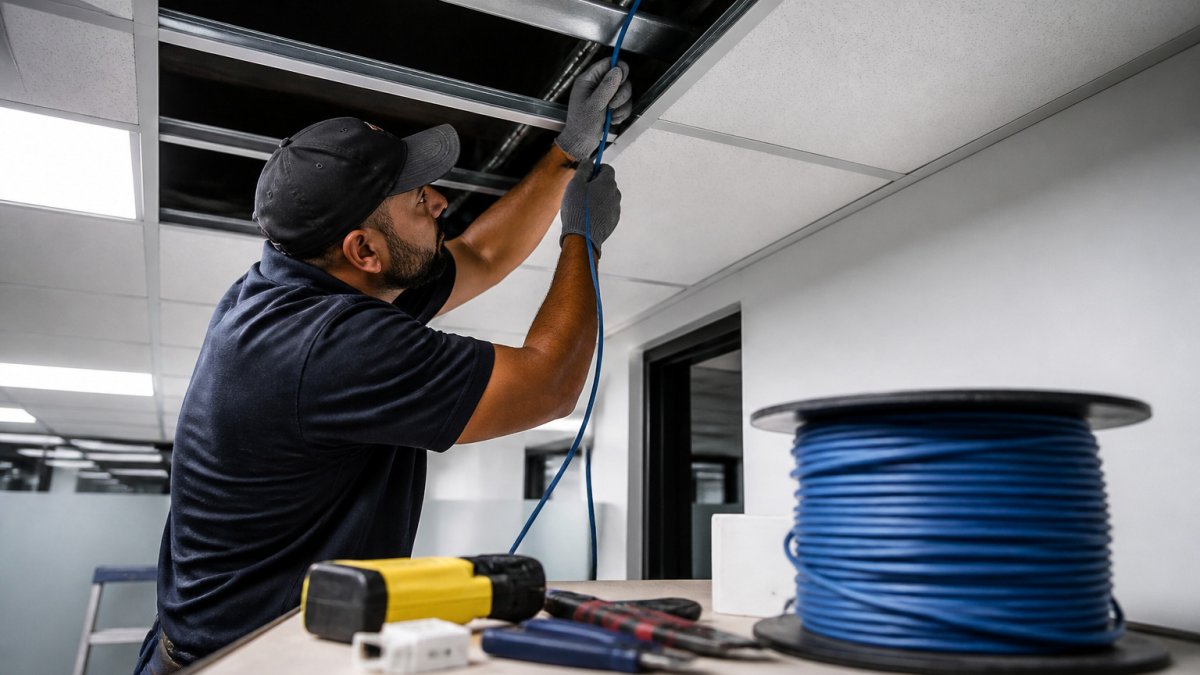
Pull from the box or reel with a steady, moderate tension. Attach the pull string to the cable jacket with a pulling grip rather than tying it to the conductors, and never exceed the manufacturer's maximum pulling tension, which is commonly 25 pounds for a 4-pair Cat 6 cable. Excessive tension stretches conductors and changes the twist geometry, which shows up later as a failed return-loss or crosstalk test.
Respect the bend radius: Cat 6 should not be bent tighter than four times its outside diameter during installation and should not be cinched with zip ties. Use hook-and-loop straps or Velcro where bundling is needed. Leave a service loop of about 10 feet at the telecom room and 12 to 18 inches at the outlet so the cable can be re-terminated without re-pulling.
Label both ends of every cable as it is pulled, using the outlet number and panel position. Labeling during the pull is faster and more accurate than labeling after termination.
Stage 4: Termination and Patch Panel Connections
Terminate each end using the T568B wiring standard unless your existing system uses T568A. Keep the twisted pairs intact up to the termination point; untwisting more than about half an inch degrades performance and can fail certification. Use the same standard at both ends of every link, and keep it consistent across the building.
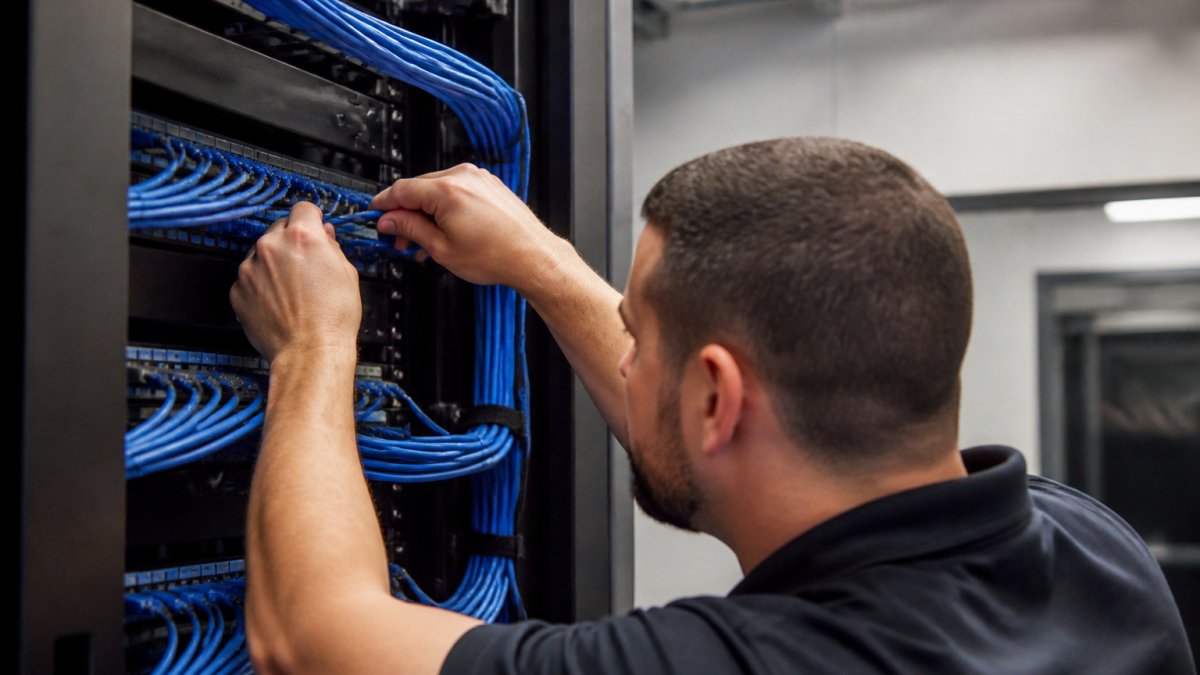
At the patch panel, dress cable neatly, secure it with hook-and-loop straps, and label every port to match its wall outlet. Clear labeling saves hours of troubleshooting later and is required by most inspection checklists. Test a sample of links before terminating the entire project so a wiring mistake is caught early rather than repeated across dozens of drops.
Stage 5: Testing and Handover
Testing can be used to assess whether links meet the Cat 6 standard. Test reports, as-built drawings, labeling schedules, and a handover walkthrough may be included in a project, depending on its scope.
Troubleshooting Common Installation Faults
When a link fails, the cause is usually one of a few patterns. A wire-map failure points to a miswired or open pair at one end. A length failure means the channel exceeds 100 meters, often because the route was longer than planned. A return-loss or crosstalk failure usually traces to excessive untwisting, a tight bend, or a cable damaged during the pull. Document the fault, correct it at the termination or pathway, and retest the link before moving on.
The installation process breaks down into five stages, summarised below.
| Stage | What happens | Key requirement |
|---|---|---|
| 1. Pre-installation survey | Mark outlets, route pathways, identify obstacles | Measure actual cable route |
| 2. Pathway preparation | Install J-hooks, tray or conduit before pulling | Support cable at manufacturer intervals |
| 3. Pulling the cable | Pull with steady, moderate tension | Maximum pulling tension, commonly 25 pounds |
| 4. Termination | Terminate using T568B or T568A consistently | Keep pairs untwisted no more than about half an inch |
| 5. Testing and handover | Certify each link and provide reports | Pass result for every link |
Ethernet Cable Testing and Certification
Testing confirms the installation meets the performance category you paid for. A basic continuity check is not enough. A certification tester measures wire map, length, insertion loss, return loss, and near-end crosstalk against TIA standards for Cat 6.
Request a printed or digital test report for every drop. Certified copper cabling with testing and documentation is available for projects of any size. The report should show a pass result for each link and identify the tester used. Keep these reports with the building documentation, since insurers and future contractors will ask for them. A drop that fails certification should be corrected and retested before the project is accepted.
Chicago Permits, Codes and Cost Factors
Low-voltage cabling is regulated, and the rules that apply to a Cat 6 project depend on the building type, the spaces the cable passes through, and whether the work is new construction or a retrofit. The guidance below covers questions to ask before a project starts. Confirm current requirements with the appropriate local authorities.
Permits and Inspections
Permit requirements depend on the project and location. Ask the contractor whether a permit is required, who is responsible for it, and whether permit fees are included in the bid.
For buildings with existing certificates of occupancy, ask the relevant authorities and building management whether the work requires review or approval.
Cable Ratings and Plenum Spaces
Cable rating requirements depend on the space and applicable code. Confirm the requirements for the building with the appropriate authority or a qualified professional.
Confirm the ceiling type before ordering cable. A ceiling that looks like a standard drop ceiling may still be part of the return-air path, which changes the cable specification and the cost.
Separation, Fire-Stopping, and Labeling
Inspection requirements vary by project and jurisdiction. Confirm applicable requirements for cable separation, fire-stopping, and labeling before work begins. Learn how code-compliant wiring is inspected from permits through final sign-off.
Cost Factors
Project pricing depends on the scope and site conditions. Factors that may affect a quote include:
- Number of drops, quantity affects both materials and labor hours.
- Cable grade, cable grade affects material selection.
- Pathway conditions, existing pathways, drilling, masonry, and occupied-space work can affect project scope.
- Floors and telecom rooms, the number and location of telecom rooms can affect project scope.
- After-hours access, access requirements can affect project planning.
- Testing and documentation, confirm which testing and documentation are included in the project scope.
- Permits and inspections, confirm applicable requirements and any related fees for the project.
Ask bidders to clarify the scope and identify any included materials, testing, permits, and labor. Review what each quote includes.
Booking Your Cat 6 Project with Dalcorp Solutions
Dalcorp Solutions Inc provides low-voltage, security, and networking infrastructure services, including network systems. Our team is licensed and insured, factory-certified, and has completed more than 2,000 projects across the Chicagoland area. We are committed to a clear process from the initial site survey onward.
To request a proposal, contact Dalcorp Solutions Inc with your goals.
Frequently Asked Questions
What is Cat 6 cabling used for?
Cat 6 cabling is a type of network cabling. Its suitability for a particular installation depends on the project requirements.
What is the difference between Cat 6 and Cat 6A cabling?
Cat 6 and Cat 6A differ in their performance characteristics and suitability for particular installations. The appropriate choice depends on the project requirements.
Does Cat 6 cabling need to be tested after installation?
Testing can be used to assess whether a cable run meets applicable performance requirements. Ask the provider what testing and documentation are included in the project scope. Contact Dalcorp Solutions for a quote.
How long does a commercial Cat 6 cabling installation take?
Project timing depends on the scope and site conditions. Contact Dalcorp Solutions to discuss your project.

- Hits: 6