7 Steps to Upgrading Legacy Building Security Systems
Upgrading legacy building security systems starts with a full audit of the equipment you already own, documenting panels, cameras, access control, alarm devices, cabling, and network connections. From that audit you build a commercial security system upgrade checklist, then plan a phased retrofit that keeps every door secured and your building open.
Last Updated: October 26, 2026
Quick Summary
- Photograph every device during the walkthrough instead of trusting old as-built drawings.
- Network capacity and records retention are the two checklist items most often skipped.
- Keep mechanical key override available on every door during the transition.
- Judge cameras, controllers, and credentials as separate layers before deciding to replace or retain.
- Put security devices on a separate network segment and change every default password.
Table of Contents
- Start With a Full Audit of Your Existing Security System
- Build a Commercial Security System Upgrade Checklist
- Plan a Building Security System Retrofit That Keeps You Open
- Legacy Access Control System Modernization: Replace or Retain?
- Choose Cloud-Based Access Control and Compatible Hardware
- Test, Commission, and Verify the Upgraded System
- Schedule Your Security System Site Survey
- Frequently Asked Questions
Start With a Full Audit of Your Existing Security System
Upgrading legacy building security systems starts with a full audit of what you already own. You cannot plan a modernization strategy around equipment you have never inventoried.
Most buildings carry more gear than the facilities team realizes. Old alarm panels hide in closets. Cameras point at doors nobody uses. Access readers sit on doors that have been propped open for years.
What to Document During the Walkthrough
Bring a clipboard and photograph everything. A common mistake is trusting the old as-built drawings, which rarely match reality after a decade of small changes.
Document these items:
- Control panels: make, model, age, and firmware version
- Cameras: type, resolution, field of view, and recording quality
- Access control: reader models, door hardware, and controller locations
- Alarm devices: motion sensors, door contacts, glass breaks, and pull stations
- Cabling: cable type, condition, and where it runs
- Network: whether devices sit on the corporate network or a separate segment
Note every device that no longer works. Note every door with no coverage at all.
This record becomes the backbone of your commercial security system upgrade checklist. Without it, vendors quote guesses instead of facts.
The walkthrough should capture these items for every device on site.
| Item to document | What to record |
|---|---|
| Control panels | Make, model, age, and firmware version |
| Cameras | Type, resolution, field of view, and recording quality |
| Access control | Reader models, door hardware, and controller locations |
| Alarm devices | Motion sensors, door contacts, glass breaks, and pull stations |
| Cabling | Cable type, condition, and where it runs |
| Network | Whether devices sit on the corporate network or a separate segment |
Build a Commercial Security System Upgrade Checklist
A commercial security system upgrade checklist turns audit findings into a plan. It should cover hardware, software, budget, and business impact in one document. Build it before you call a single vendor, so you compare quotes against your own list instead of theirs. The commercial access control installation cost guide breaks down per-door pricing, hardware, labor, and total cost of ownership for budgeting.
- Audit report complete, with photos of every device
- List of devices to replace, retain, or remove
- Written security goals, ranked by priority
- Coverage map showing gaps in cameras and access points
- Network capacity check for new connected devices
- Budget split into hardware, labor, and contingency
- Downtime plan for each phase of work
- Compliance and records retention requirements confirmed
- Vendor shortlist with license and insurance verification
- Maintenance and support terms defined
Two items on that list get skipped most often: network capacity and records retention.
New cameras and cloud-based access control push far more traffic than old analog gear. If the network cannot carry it, the upgrade stalls. And if your building handles regulated records, your retention rules shape what the new system must store and for how long.
Get both answered early. They change the design.
Plan a Building Security System Retrofit That Keeps You Open
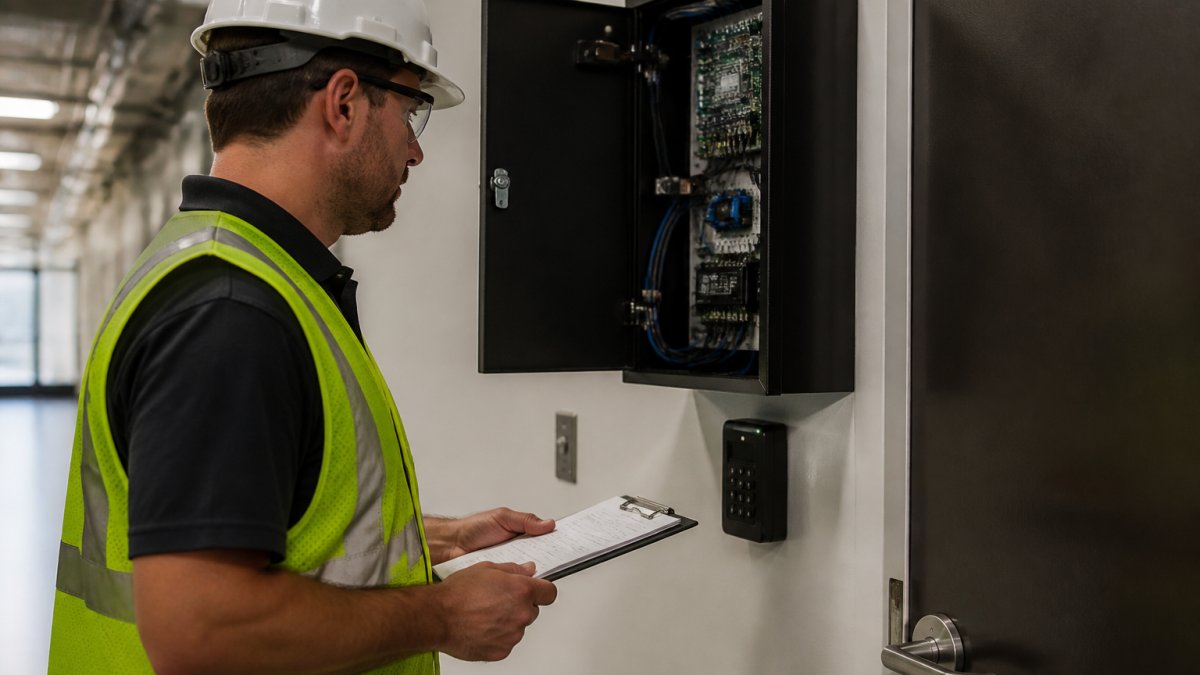
A building security system retrofit succeeds or fails on scheduling and continuity. The goal is simple: never leave a door unsecured and never shut down a tenant's business day. That takes phased migration with defined rollback points, not a single weekend rip-and-replace.
Phased Migration and Downtime Planning
Operational continuity matters more than speed. A rushed cutover that locks out staff on a Monday morning costs far more than a slower, staged rollout.
Define Rollback and Temporary Safeguards Before Night One
Temporary safeguards bridge the gap between systems:
- Keep mechanical key override available on every door during transition
- Post a staffed or monitored position at any entrance with reduced coverage
- Confirm fail-safe release works on every door before occupants return
- Keep a printed contact list and escalation path at each transition zone
Communicate With Occupants and Tenants
Continuity is as much about people as equipment. Notify tenants and staff before each zone cutover, explain what changes for them, and tell them exactly who to call if a door or credential fails. A short pre-cutover notice and a post-cutover confirmation prevent most of the confusion that turns a minor glitch into a business interruption complaint.
Measure Whether the Plan Worked
Watch out: skipping the pre-stage step is the most common cause of multi-day outages. If hardware arrives the night of the cutover, something will be missing.
Legacy Access Control System Modernization: Replace or Retain?
Legacy access control system modernization is rarely an all-or-nothing decision. The practical question is which layers of the system can carry forward safely and which have become a liability. Most buildings are a mix: sound door hardware and cabling, aging controllers, and credential technology that no longer meets current expectations.
Break the system into layers and judge each one separately. For buildings that decide replacement is the right path, the company's commercial access control installation in Chicago page covers the service and how to book it. That is how you avoid paying to replace things that still work and avoid carrying forward the weak points that caused the upgrade in the first place.
Evaluate Each Layer Before You Decide
Cameras and intrusion devices. Analog cameras and older alarm panels may still function but often cannot integrate with a modern dashboard or deliver usable footage. Judge them on image quality, integration, and whether replacement parts are still available.
Interoperability Checks That Decide the Outcome
For a structured comparison of system types, features, and cost drivers, the access control buyer's guide walks through the decision before you commit.
Choose Cloud-Based Access Control and Compatible Hardware
Technology selection should stay vendor-neutral. Score each option against your checklist, not against a sales presentation.
Cybersecurity for Connected Security Devices
Every connected camera and reader is a network device, and each one is a potential entry point. Treat physical security gear with the same rigor as any other IT asset.
Basic controls go a long way:
- Put security devices on a separate network segment
- Change every default password before the device goes live
- Apply firmware updates on a set schedule
- Limit user permissions to what each role actually needs
- Review access logs monthly
The Cybersecurity and Infrastructure Security Agency guidance on securing connected devices is a useful baseline for these controls. It applies directly to cameras, panels, and readers.
Test, Commission, and Verify the Upgraded System
Testing and commissioning prove the system works under real conditions, not just on the bench. A system that passes a bench test can still fail on a busy Monday morning. Verify everything in place, with real users and real doors. Once commissioning is done, the commercial security system maintenance checklist provides an inspection schedule and log template to keep the system verified.
Schedule Your Security System Site Survey
A site survey is the first real step in upgrading legacy building security systems. It replaces assumptions with measurements: device inventory, cabling condition, network capacity, and coverage gaps. Readers ready to move forward can use the contact page to tell the team about their site and request a proposal. Everything else in the project builds from that walkthrough.
At Dalcorp Solutions Inc, we have more than 25 years of experience in Chicagoland. Our team is licensed, insured, and factory-certified, with more than 2,000 projects completed. We plan code-aware solutions.
Frequently Asked Questions
What are the disadvantages of keeping a legacy security system?
Legacy systems often run on discontinued hardware and software, which makes replacement parts hard to source and raises failure risk. Many cannot support modern authentication, remote monitoring, or cloud-based access control. They also tend to generate more false alarms and expose the building to cybersecurity gaps because patches are no longer issued. A system audit will show whether patching is still viable or whether a phased upgrade plan is the safer path.
Can legacy access control hardware work with modern software?
Sometimes. Many older readers and controllers can be retained if they support current credential formats and can connect to a modern management platform through a gateway. The deciding factors are firmware support, communication protocol, and whether the manufacturer still issues security updates. A retrofit that keeps working hardware and replaces only the head-end software often costs less than a full rip-and-replace and shortens downtime during installation.
How do you know when a building security system needs to be replaced?
Warning signs include frequent false alarms, cameras that fail to record, access credentials that no longer sync, and hardware the manufacturer no longer supports. If your system audit finds more than a few end-of-life components, or if you cannot meet current cybersecurity and records retention requirements, replacement usually beats patching. A cost-benefit analysis comparing maintenance spend against a phased upgrade will make the decision concrete.
What should a building security system upgrade include?
A complete upgrade covers access control, video surveillance, alarm system integration, and the network that connects them. Include a system audit, a written upgrade plan with phases, hardware compatibility checks, cybersecurity hardening, and a testing and commissioning schedule. Cloud-based access control and remote monitoring are worth evaluating for multi-site portfolios. Build in technical support and maintenance terms so you know who to call after installation.
The hardest part of a security upgrade is not the hardware. It is keeping the building secure and open while you change it. That takes planning, licensed work, and a partner who has done it before. Dalcorp Solutions Inc handles the audit, the phased retrofit, the cloud-based access control setup, and the ongoing support, so your team can stay focused on running the building. Get started with Dalcorp Solutions Inc and turn an aging system into one you can trust.

- Hits: 13