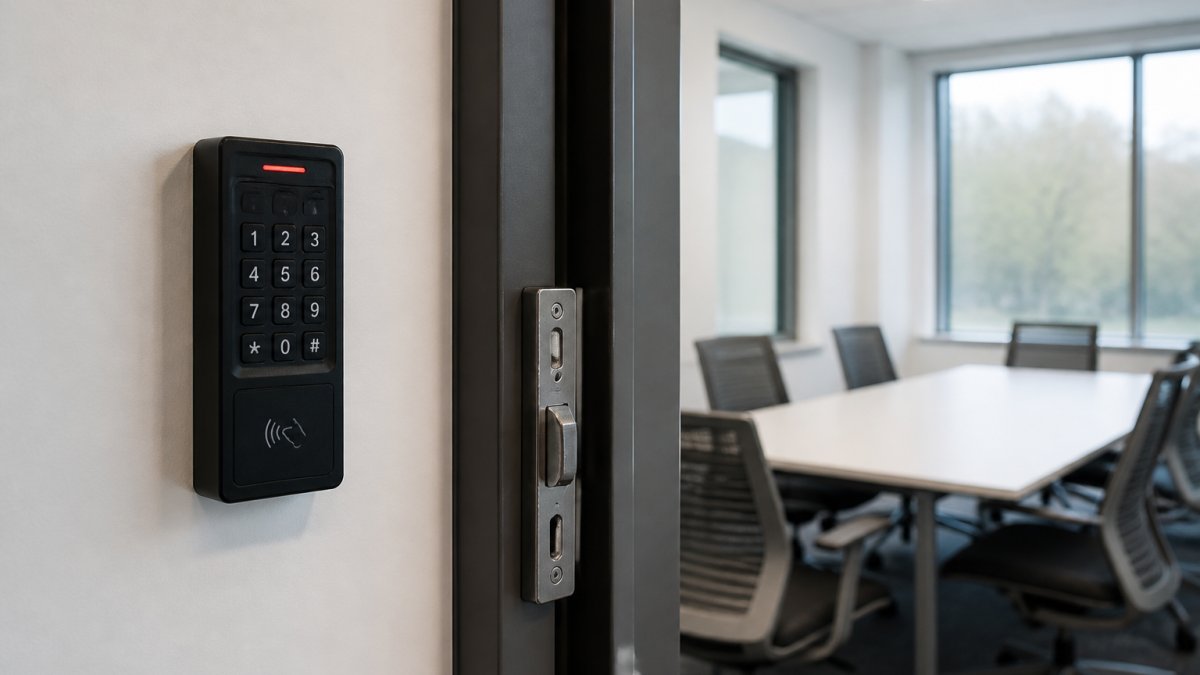
Choosing the Right Access Control: 2026 Buyer's Guide
Choosing the right access control starts with your building, not a catalog. Most buyers open with a product question, then spend months retrofitting the answer to a site that never suited it.
Table of Contents
- Start With a Requirements Checklist, Not a Product
- Access Control System Types and How They Work
- Cloud-Based Access Control vs. On-Premises Servers
- Access Control System Features That Decide the Purchase
- Legacy Access Control Software Alternatives and Migration Paths
- Total Cost of Ownership and Pricing Models
- Evaluation Criteria, KPIs, and Vendor Due Diligence
- Frequently Asked Questions
Last Updated: October 17, 2026
Start With a Requirements Checklist, Not a Product
Walk the site first and answer these in writing:
- How many doors need control, and which are exterior, interior, or sensitive?
- Which doors require audit trails versus simple entry?
- Does the space serve tenants, employees, patients, students, or the public?
That checklist becomes your evaluation criteria. The NIST cybersecurity framework offers a useful structure for the risk side, though it is not written for door hardware.
Access Control System Types and How They Work
An access control system is the combination of credentials, readers, controllers, and software that decides who may enter which space and records every attempt. The architecture you pick determines cost, administration effort, and how well the system ages.
Standalone, Networked, and Cloud Models
Standalone systems keep the decision at the door: a keypad or reader holds its own user list. Networked systems centralize decisions on a server inside the building. Cloud-based access control moves that server to a hosted platform, so administrators manage permissions from a browser.
| Model | Where Decisions Run | Best For | Main Trade-off |
|---|---|---|---|
| Standalone | At the door | Single doors, low user counts | No central audit trail |
| Networked | On-site server | Multi-door, strict data residency | Server upkeep falls to you |
| Cloud | Hosted platform | Multi-site portfolios, remote admin | Depends on network uptime |
Cloud-Based Access Control vs. On-Premises Servers
Cloud-based access control wins on administration and multi-site visibility; on-premises servers win on control and offline resilience. That is the honest split, and most vendor pitches blur it. The useful question is not which model is better but which failure modes your site can tolerate.
How Each Model Actually Runs
In a cloud deployment, the access decision typically lives in a hosted platform, while a controller at each opening caches the credential database and makes local allow/deny decisions if the network drops.
On-premises systems keep the server, database, and logs inside your walls. You own the hardware lifecycle, the patching schedule, and the backup routine. That control is real, but so is the operational burden: server refresh cycles, database maintenance, and after-hours troubleshooting all land on your team or your integrator.
Side-by-Side Trade-offs
| Factor | Cloud | On-Premises |
|---|---|---|
| Upfront capital | Lower; subscription-based | Higher; server and licensing |
| Patching and updates | Vendor-managed, pushed remotely | Your responsibility |
| Multi-site visibility | Native, single pane of glass | Requires VPN or federation |
| Data residency | Depends on vendor hosting region | Fully inside your walls |
| Offline behavior | Depends on edge caching at each panel | Continues if server and network stay up |
| Staffing burden | Lower for IT | Higher for IT |
Network Readiness Decides the Outcome
A cloud system still needs a functioning connection at each panel to receive updates, sync credentials, and push events to the platform. A site with unreliable connectivity will feel every outage, and doors that drop offline during peak hours create security gaps and staff frustration that no software feature fixes. Before committing, walk the site and confirm switch capacity, PoE budget at each opening, and whether the network closet has backup power.
Data Handling and Compliance
On-premises systems keep credentials and logs inside your walls, which matters for institutions with strict data handling rules. Cloud platforms can meet those rules too, but only if you confirm the hosting region, encryption in transit and at rest, retention controls, and the vendor's breach notification commitments in the contract. Do not accept a marketing page as evidence; ask for the security documentation and the subprocessor list.
A Simple Decision Test
Choose cloud when you run multiple sites, have limited IT staff, and need remote provisioning and reporting. Choose on-premises when data residency is non-negotiable, connectivity is unreliable, or you already have the IT capacity to run the server. Many organizations land on a hybrid: cloud administration with local controllers caching credentials at each door. That combination captures most of the administrative benefit without betting every opening on the WAN.
Access Control System Features That Decide the Purchase
The features that decide a purchase are authentication strength, credential choice, and integration with the systems already running your building. Everything else is secondary.
Authentication, Credentials, and Integration
Multi-factor authentication at high-security doors, single sign-on for administrator accounts, and a directory services connection all reduce daily friction.
Integration matters just as much. Video surveillance, visitor management, and your identity provider should share events rather than run in parallel.
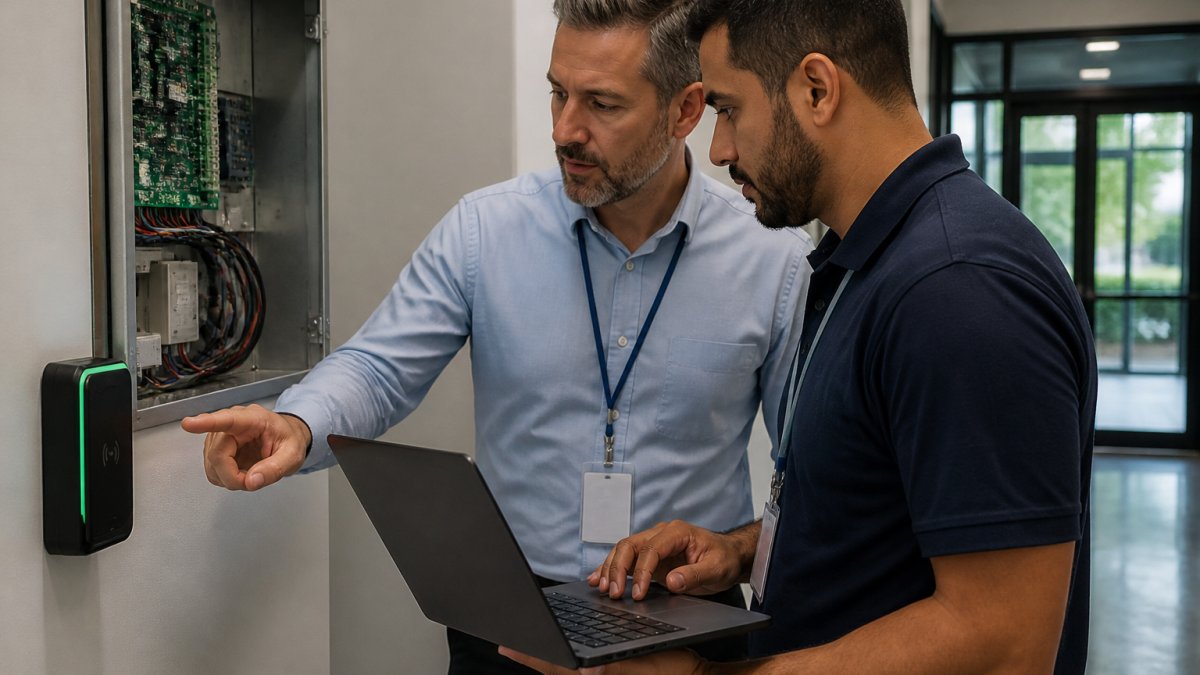
Legacy Access Control Software Alternatives and Migration Paths
Legacy access control software alternatives rarely require a full rip-and-replace. Phased migration is almost always cheaper and less disruptive.
Here is the sequence we recommend:
- Audit the existing controllers. Confirm which panels can accept modern readers and which cannot.
- Keep working hardware. Retain readers and strikes that still function and meet code.
- Replace the software layer first. A modern platform often runs on existing panels through a gateway.
- Migrate credentials in batches. Move one building or floor at a time to avoid a single cutover day.
- Retire the old system only after parallel running. Run both for a defined period, then decommission.
Compatibility with legacy wiring is the deciding factor. Older buildings frequently lack PoE at the door, and that gap drives the real cost of migration.
Total Cost of Ownership and Pricing Models
Total cost of ownership for access control spans hardware, installation labor, software licensing, and ongoing administration. Pricing depends on door count, credential type, site conditions, and the support agreement you choose, so we quote each project individually rather than publishing a rate card. That said, you can build a defensible five-year model yourself if you know which buckets to fill and which pricing structures to expect.
The Four Cost Buckets
Ask every vendor to break the quote into these four buckets, and refuse a single lump sum:
- Capital hardware. Readers, controllers, panels, credentials, power supplies, and door hardware such as strikes and request-to-exit devices. This is the most visible line and the easiest to compare.
- Installation labor. Cabling, conduit, mounting, commissioning, and programming. Site conditions drive this more than any other bucket; a building without PoE at the door or with asbestos-era walls can double the labor line.
- Recurring software. Subscription or maintenance licensing, per-door or per-user fees, and any module add-ons such as visitor management or video integration.
- Service and support. Warranty coverage, service-level agreements, spare parts, and the labor rate for moves, adds, and changes after go-live.
Pricing Models You Will Encounter
Most vendors price in one of three ways, and the model matters more than the headline number:
- Per-door subscription. A recurring fee for each controlled opening, often bundled with hosting and support. Predictable, but it scales with door count and can look expensive on a large portfolio.
- Per-user licensing. A fee tied to the number of credentialed users or administrators. Works well for small populations with many doors, less well for large workforces.
- Perpetual license plus maintenance. A one-time software purchase with an annual maintenance percentage. Lower long-run cost if you keep the system for many years, but you carry the server and upgrade burden.
A low installation figure often hides a higher recurring line, and a low subscription can hide per-door add-ons that appear only in the fine print. Normalize every quote to the same five-year window before comparing.
Building the Five-Year Model
For each vendor, total the four buckets across five years, then add the costs the quote usually omits: credential replacement as staff turnover, integration work with your identity provider, training for administrators, and the internal staff time to run access reviews. A common pattern is that the hardware line is roughly comparable across bidders while the recurring and service lines diverge sharply, which is why the five-year total is the only fair comparison.
Questions That Expose Hidden Cost
- What happens to pricing if we add doors or users mid-term?
- Is the subscription price locked, and for how long?
- What is the labor rate for moves, adds, and changes after warranty?
Those five answers will tell you more about long-term value than any feature list.
Evaluation Criteria, KPIs, and Vendor Due Diligence
Score every vendor on the same weighted criteria before you sign. A simple decision matrix removes the guesswork.
| Criterion | Weight | What to Verify |
|---|---|---|
| Installation quality | 25% | Licensure, insurance, references |
| Software usability | 20% | Live admin demo, not a slide deck |
| Integration depth | 20% | Named integrations with your systems |
| Support terms | 20% | Response times, escalation path |
| Total cost | 15% | Five-year total, all buckets |
Track measurable KPIs after go-live: door uptime, time to provision a new user, time to deprovision a departing one, and the count of access exceptions found in quarterly reviews. Vendor due diligence should confirm licensure and insurance in writing, along with service-level commitments for response and resolution.
Frequently Asked Questions
What should I consider when choosing an access control system?
Start with the building itself: how many doors, how many users, and how often the population changes. Then map your credentials (cards, fobs, mobile, biometrics), your integration needs (video surveillance, alarms, visitor management), and your administration model. Confirm the system can enforce least privilege through user roles and access policies, produce audit logs for reviews, and meet any regulatory requirements that apply to your industry. Finally, budget for installation, licensing, and ongoing support, not just hardware.
What are the five main types of access control?
The five commonly cited access control models are discretionary access control (DAC), mandatory access control (MAC), role-based access control (RBAC), attribute-based access control (ABAC), and rule-based access control. RBAC assigns permissions by job function, which suits most commercial buildings. ABAC adds context such as time of day or location. Rule-based systems apply fixed conditions, like locking a door on a schedule. Many modern platforms blend several models in one system.
How do I know whether my building needs cloud-based or on-premises access control?
Cloud-based access control suits multi-site portfolios and lean IT teams because administration, updates, and backups run through a hosted platform, and you can manage permissions from anywhere. On-premises systems keep servers and data inside the building, which some organizations prefer for network isolation or strict data handling policies. Check bandwidth and network reliability first: a cloud system depends on a stable connection, while an on-premises server needs physical security and maintenance of its own.
Can an access control system integrate with video surveillance and other building systems?
Yes. Most current platforms link door events to camera footage, so a badge denial or forced-door alarm can pull up the matching clip. Integration also extends to visitor management, intrusion alarms, elevator control, and in some cases HVAC scheduling. Ask vendors which integrations are native, which need middleware, and which require additional licensing. Integration is one of the access control system features that most affects long-term operational efficiency, so test the specific pairings you need before signing.
How much does it cost to install a commercial access control system?
Pricing depends on door count, credential type, wiring conditions, and whether you choose cloud subscription or on-premises licensing, so any single figure will mislead. Older buildings often add cost for cabling and door hardware upgrades. Request a site survey and a line-item quote that separates hardware, installation labor, software licensing, and support. Ask what the annual cost looks like in year three and year five, not just at installation, so you can compare total cost of ownership rather than sticker price.
Which is better, RBAC or ABAC?
RBAC is simpler to administer and fits organizations with clear job roles, such as staff, managers, and contractors. ABAC evaluates attributes like department, time, location, or device, so it handles finer conditions but demands more setup and data quality. Most buyers start with RBAC for day-to-day door access and add rule-based conditions for exceptions. If your compliance requirements demand context-aware decisions, ask whether the platform supports ABAC policies without a separate system.
Access control decisions get expensive when they are made backward, and the fix is a requirements checklist, a scored shortlist, and a phased migration plan. Dalcorp Solutions Inc brings 25+ years of Chicagoland experience, licensed and insured crews, and factory-certified installation to every project, with code-aware planning from the first site survey through ongoing support. Get started with Dalcorp Solutions Inc and build an access control system that holds up for the long term.
- Hits: 11