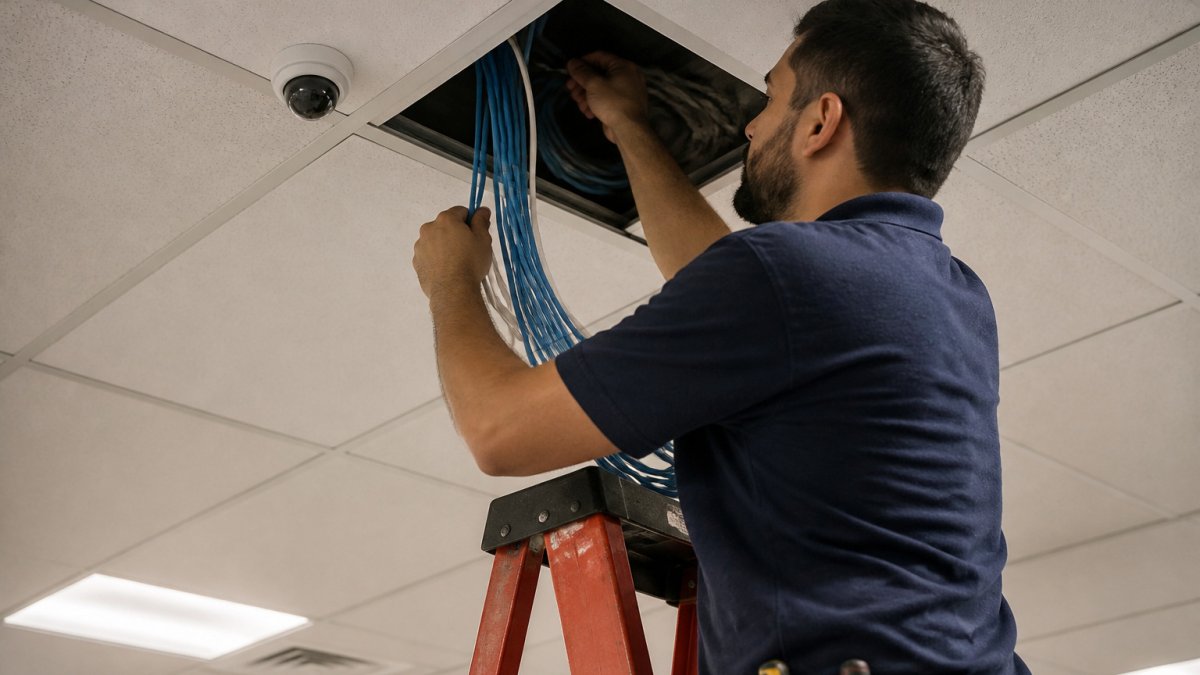
How to Find a Business Network Installer Near You
A network installer is a local technician who diagnoses, designs, and installs business Wi-Fi and structured cabling. Start by identifying whether your problem is dead zones, slow connections, or dropped devices, then compare providers on licensing, insurance, and written, itemized quotes.
Quick Summary
- Classify your problem as dead zones, slow connections, or dropped devices before calling anyone.
- Wired devices losing connection can point to damaged or poorly terminated cable rather than Wi-Fi design.
- Choose among Wi-Fi optimization, structured cabling, or a full upgrade based on what your network actually needs.
- Ask for a certificate of insurance and check the license number on the issuing authority's lookup.
- Compare quotes line by line, since lump-sum totals can assume different scopes and exclusions.
Table of Contents
- Diagnose Your Network Problem Before You Call Anyone
- Choosing Between Wi-Fi Optimization, Structured Cabling and a Full Upgrade
- Business Network Installation: What a Proper Project Includes
- Commercial Network Cabling and Structured Wiring Basics
- Business Wi-Fi Installation and Coverage Planning
- Network Installation Cost: Factors That Shape the Quote
- How to Compare Local Providers on Credentials, Insurance and Guarantees
- Questions to Ask Before Booking and What Happens at the Onsite Visit
- Frequently Asked Questions
Diagnose Your Network Problem Before You Call Anyone
Last Updated: November 2, 2026
Searching for network solutions near me usually starts with a frustrating symptom: a printer that drops off, a conference room with no signal, or a warehouse that loses connection every afternoon. If you're trying to fix office Wi-Fi dead zones yourself first, practical steps for checking router placement, signal strength, and interference are a good place to start. Before you hire a business network installer, figure out what is actually wrong, since a clear diagnosis makes it easier to judge any network installer's quote.
Dead zones, slow connections and dropped devices
Most network complaints fall into three patterns. Each points to a different cause.
- Dead zones: One area has no signal or very weak signal. Walls, distance from the access point, and metal fixtures are the usual culprits.
- Slow connections: Speeds are poor across the building. The cause may be the internet plan, an overloaded router, or too many devices sharing one access point.
- Dropped devices: Connections drop and reconnect. This often points to channel interference, a failing access point, or a bad cable.
Test each area with a phone or laptop. Note the signal strength and the time of day. Peak hours often reveal problems that quiet mornings hide.
When cabling is the real issue
Wireless problems are not always wireless problems. Wired devices that lose connection, ports that negotiate slow speeds, or access points that reboot under load often point to damaged or poorly terminated cable. If a single wall jack behaves differently from the others, inspect its cable run before blaming the Wi-Fi design.
Choosing Between Wi-Fi Optimization, Structured Cabling and a Full Upgrade
Not every network problem needs the same fix.
Wi-Fi optimization suits a network that is mostly sound but poorly placed. Repositioning access points, adjusting channels, or adding one unit may fix dead zones at a modest cost.
Structured cabling suits buildings where access points or wired devices depend on old or unreliable runs. Installing new certified cable often matters more than adding hardware.
Ask a provider to explain which of these three options their recommendation falls under, and why.
Business Network Installation: What a Proper Project Includes
A proper business network installation is more than plugging in equipment. Quality projects follow a clear sequence:
- Site survey: Measure coverage, identify obstacles, and map the building's layout.
- Design: Plan access point locations, cable routes, and equipment placement.
- Installation: Mount hardware, run cable, and label every termination.
- Testing: Verify speeds, coverage, and cable performance at each location.
- Documentation: Deliver a network map, equipment list, and login records.
- Handoff: Walk the owner or IT staff through how the system works.
If a provider skips the survey or testing, ask why. Shortcuts there often lead to coverage gaps later.
Commercial Network Cabling and Structured Wiring Basics
Structured cabling is the organized backbone that carries data, voice, and video through a building. It typically includes copper or fiber cable, patch panels, racks, and labeled outlets, all organized around a central equipment room.
Key points to know:
- Copper cable runs are generally limited to 100 meters from the switch to the device.
- Every installed run should be certified with a test report, not just visually inspected.
- Clear labeling and documentation save significant time during future repairs.
When comparing bids, confirm the cabling category, whether runs are tested, and whether the provider delivers documentation.
Business Wi-Fi Installation and Coverage Planning
Wi-Fi coverage depends on access point placement, building materials, and the number of users. Walls, glass, elevators, and dense furniture all reduce signal strength.
A sound coverage plan answers several questions. How many users will connect at peak? Which areas need the strongest signal? Do any zones need separate networks for guests, staff, or devices? Good planning avoids overlapping access points that interfere with one another, a common mistake in rushed installations.
Network Installation Cost: Factors That Shape the Quote
Most local listings hide pricing entirely, which makes cost the hardest part of choosing a provider. You will rarely see a published rate for business network installation, because the work is quoted per site. What you can do is understand the cost structure so a quote is easy to read and compare.
The five line items every quote should show
A transparent proposal breaks the job into these categories. If any are missing, ask for them before signing.
- Site survey and design, a one-time engineering charge, sometimes credited against the installation if you proceed.
- Cable and materials, copper or fiber cable, jacks, patch panels, racks, conduit, and fasteners, usually priced per run or per drop.
- Equipment, access points, switches, router or firewall, and power injectors, listed by model number.
- Labor, installation hours, often billed per drop or per device, plus a separate rate for after-hours or weekend work.
- Testing, documentation, and handoff, certification reports, labeling, as-builts, and training.
What actually moves the number
- Number of cable runs. Cable is priced per drop, so a 10-desk office and a 60-desk office differ mainly in run count, not in equipment.
- Building construction. Drywall and drop ceilings are fast. Concrete, brick, plaster, and historic interiors require more labor and often conduit.
- Cable path length and access. Runs over 100 meters need a midpoint switch or fiber, and tight ceilings or occupied spaces slow the crew.
- Retrofit versus new construction. Pulling cable through a finished, furnished building costs more than roughing in during a build-out.
- Equipment tier. Consumer-grade access points cost a fraction of enterprise units, but enterprise gear usually includes centralized management and warranty support.
- Urgency and scheduling. Emergency or overnight work carries premium labor rates.
How to read a lump-sum quote
A single total is not a red flag by itself, but it hides the variables above. Ask the provider to break the total into the five line items and to state the assumed number of drops and devices. Two quotes are only comparable when they assume the same scope, a lower total often means fewer tested runs, no documentation, or consumer equipment.
Dalcorp Solutions Inc does not publish fixed prices, since every building differs. The practical move is to get a site survey and a written, itemized quote, then compare line items rather than totals.
The article breaks a network installation quote into five line items and lists the main factors that move the total.
| Line item | What it covers | Note |
|---|---|---|
| Site survey and design | One-time engineering charge | Sometimes credited if you proceed |
| Cable and materials | Cable, jacks, patch panels, racks, conduit | Usually priced per run or per drop |
| Equipment | Access points, switches, router or firewall | Listed by model number |
| Labor | Installation hours | Often per drop or per device; after-hours premium |
| Testing and documentation | Certification, labeling, as-builts, training | Should be listed separately |
How to Compare Local Providers on Credentials, Insurance and Guarantees
Search results for network solutions near me return names, addresses, and star ratings. Ratings alone will not tell you whether a provider can legally work in your building, carry enough insurance, or stand behind the install. Compare every candidate on the same five checks, and ask for documents rather than verbal assurances.
1. Licensing and registration
Requirements vary by state and municipality. Ask for the license or registration number and the name of the issuing authority, then verify it on that authority's public lookup. For low-voltage cabling, some jurisdictions require a specific contractor license; others require registration only. A provider who cannot produce a number is a risk.
2. Insurance certificates
Request a certificate of insurance (COI) naming the coverage types and limits. You want to see general liability and workers' compensation at minimum. If a technician is injured on your property or a cable run damages a wall, the certificate is what protects you. Ask to be listed as an additional insured on the general liability policy for the project.
3. Manufacturer certifications and technician training
Certifications show the crew has been trained on the specific equipment and cabling standards being installed. Ask which manufacturer programs the technicians hold and whether the company is an authorized partner for the brands in the quote. For cabling, ask whether installers are trained on the category of cable specified and on certification testing.
4. Warranty and support terms
Get the warranty in writing and check three things: what it covers (labor, materials, or both), how long it lasts, and how response works after hours. A one-year workmanship warranty on cabling and a manufacturer warranty on hardware are common. Ask what happens if a run fails certification after handoff.
5. References and comparable projects
Ask for two or three references from buildings similar in size and use to yours. A provider with warehouse experience may be new to a medical office with strict cabling needs. Call the references and ask how the provider handled changes and callbacks.
Dalcorp Solutions Inc, for example, states that it is licensed and insured, uses factory-certified installations, and reports more than 2,000 completed projects with a 4.9-star rating. Treat those as claims to verify, not as a substitute for the five checks above, request the license number, the COI, and references from any provider you consider, including this one.
Questions to Ask Before Booking and What Happens at the Onsite Visit
Before booking, ask:
- What does the site survey include, and is there a fee?
- Who will perform the work, and what certifications do they hold?
- What testing and documentation will I receive?
- What is the warranty, and how do I reach support after hours?
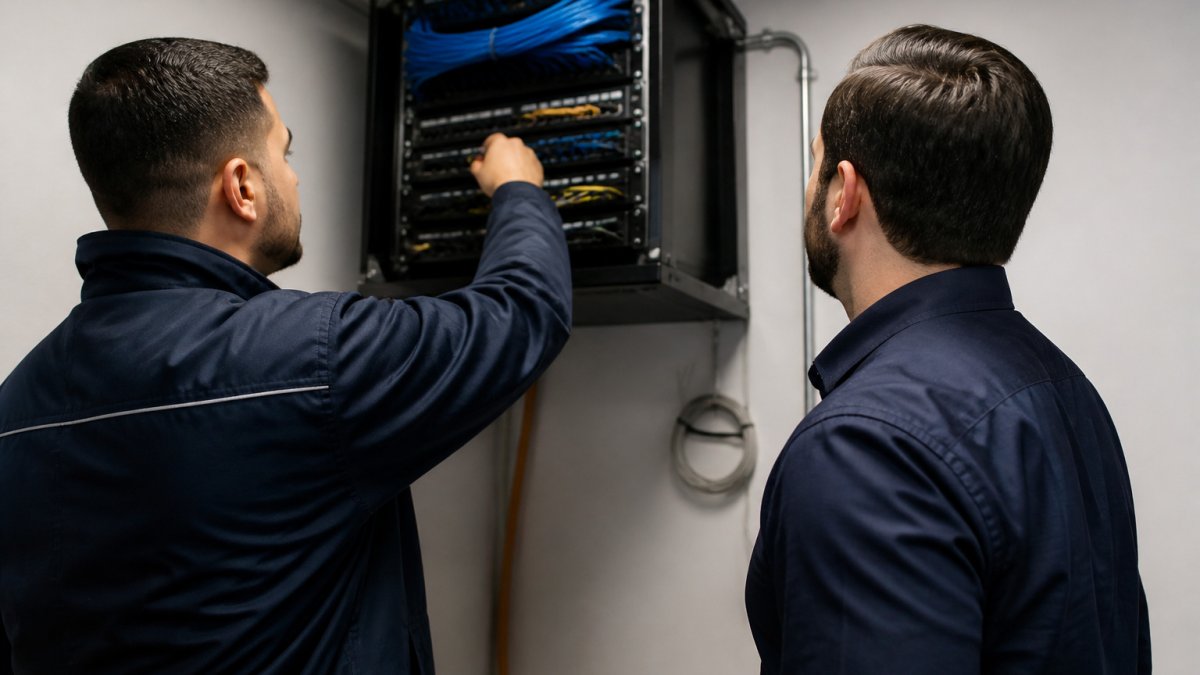
During the onsite visit, expect the technician to walk the building, test signal levels, inspect existing cabling, and ask about your business needs. A good visit ends with a clear explanation of findings and a written proposal.
The right provider will explain the problem in plain terms and give you options. Use that conversation to decide whether the fix is Wi-Fi optimization, structured cabling, or a full upgrade.
Frequently Asked Questions
How do I find a network installer near me?
Start with a local search for network installers and check each provider's service area, not just its headquarters. Confirm that the company offers onsite visits in your city or neighborhood, and look for listed phone numbers, business hours and customer reviews. Ask whether the provider is licensed and insured for low-voltage work, and request a written scope before you agree to an installation.
How much does business network installation cost?
Pricing depends on the size of the space, the number of drops or access points, the condition of existing wiring, and whether the project includes Wi-Fi, cabling or security devices. Visit the Dalcorp Solutions Inc website to request a quote based on your building.
Can one provider install Wi-Fi, network cabling and security systems?
Some firms handle all three, which can simplify coordination and warranty responsibility. Confirm that the design accounts for how the systems share the same network. A single integrated plan often avoids conflicts between separate contractors working in the same ceilings and walls.
How do I know whether my business network needs an upgrade?
Signs include Wi-Fi dead zones during peak hours, devices that drop connection, slow file transfers between floors, and wiring that is more than a decade old or no longer meets your bandwidth needs. Ask a provider for an onsite assessment that tests coverage and cabling before recommending replacement. Many issues can be fixed with optimization rather than a full rebuild.
Dalcorp Solutions Inc designs, installs, and supports Wi-Fi, structured cabling, and integrated business networks, with a clear process from site survey to ongoing support. Contact the team for a site survey and a written quote tailored to your building.

- Hits: 2