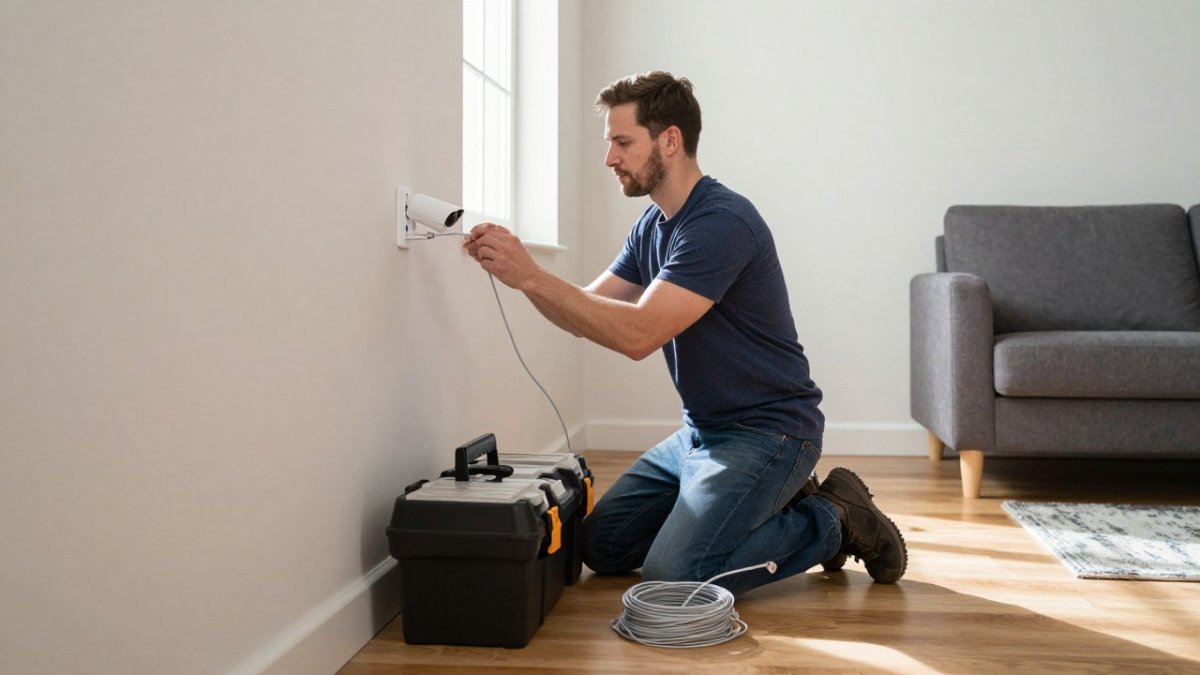
Wireless vs Wired Smart Home Security: Which Fits Your Home
Wired vs wireless security comes down to how sensors connect: wired systems run cable to each sensor and rarely need battery changes, while wireless systems use battery-powered sensors that send radio signals to a hub. Wired suits new construction or renovation, and wireless suits finished homes, renters and owners who expect to add devices later.
Quick Summary
- Wired sensors draw constant power through cable, so they need no per-sensor battery replacement.
- Wireless installation is faster and far less invasive, which suits renters and older homes.
- Hardwired installation is easiest before drywall goes up, since opening finished walls adds labor and patching.
- Wireless sensors can lose contact across thick masonry, large metal appliances or distant outbuildings.
- Test each wireless sensor from its final mounting point before closing walls or finishing trim.
Table of Contents
- How Wired and Wireless Security Systems Actually Differ
- Wireless vs Wired Security System Pros and Cons
- Hardwired Home Security System Installation: What to Expect
- Wireless Home Security System Cost Over Time
- Smart Home Security System Integration and Device Compatibility
- Reliability, Power Outages and Tampering Risks
- Choosing the Right Setup for Your Home or Building
- Frequently Asked Questions
How Wired and Wireless Security Systems Actually Differ
Last Updated: November 22, 2026
Wired and wireless smart home security systems protect a property in the same basic way: sensors detect a door or window opening and send a signal to a control panel that sounds an alarm. The difference lies in how those signals travel. Wired systems run low-voltage cable through walls and attics to each sensor. Wireless systems send radio signals through the air to a hub.
This matters before you buy, because the route a signal takes determines how hard the system is to install, expand and tamper with. Homeowners in the Chicagoland area often weigh these two approaches, and the right answer usually depends on the home's construction and the owner's plans.
A wired system uses physical cable for every connection. Once the cable is in place, the sensors draw power and report through the wire, so there is no battery swap at each door. A wireless system uses battery-powered sensors that transmit on radio frequency.
Watch out: Wireless sensors can lose contact with the hub if the signal crosses thick masonry, a large metal appliance or a distant outbuilding. Test each sensor from its final mounting point before you close the walls or finish the trim.
Wireless vs Wired Security System Pros and Cons
Each approach has clear strengths, and the trade-offs are predictable.
Wired system pros:
- Sensors have constant power and do not depend on battery replacement.
- The connection is harder to jam than radio signals, which suits high-risk properties.
- Once installed, the system is generally stable for years.
Wired system cons:
- Running cable in an existing home is labor-intensive and disruptive.
- Adding a sensor later can require new wiring.
- Installation is best handled during construction or a renovation.
Wireless system pros:
- Installation is faster and far less invasive, which suits renters and older homes.
- Sensors are easy to move or add as the household changes.
- Many systems work with self-monitoring or professional monitoring.
Wireless system cons:
- Batteries need periodic replacement, and a dead battery can silently disable a sensor.
- Radio signals can be affected by thick walls, interference and distance.
- Tampering risk is higher if the hub sits in an easy-to-reach location.
For most homeowners, the practical choice comes down to whether the home is under construction or already finished. Owners who want backup power for their security equipment during outages can look at Solar & Battery Backup. A finished home rarely justifies a full cable run, which is why many owners choose wireless.
Hardwired Home Security System Installation: What to Expect
A hardwired installation is easier to plan before the drywall goes up. Pulling cable through a finished house means opening walls, patching them and repainting, so the job takes more time and labor than most owners expect.
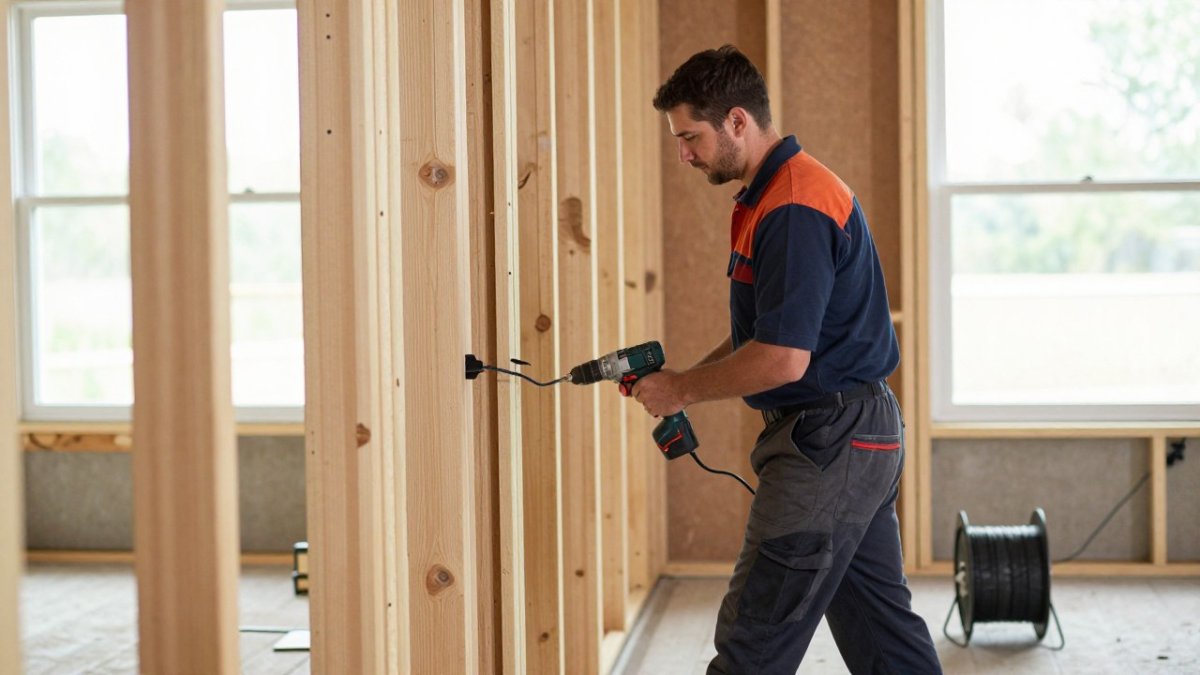
A typical installation involves surveying the home, choosing sensor locations, running cable from each sensor to a central panel, mounting the panel and testing every zone. Installation is best handled by a qualified low-voltage technician following applicable electrical code for cable routing and separation from power lines. Readers who want more detail on low-voltage wiring design, code compliance and installation steps can read Low-Voltage Wiring for Commercial Buildings: A Complete Guide.
The timeline depends on the home's size and whether it is new construction. Pricing depends on the number of zones, the amount of cable, the accessibility of the walls and the equipment selected, so readers should request a quote from Dalcorp Solutions Inc for current pricing.
Watch out: Ask who will repair the drywall after the cable is routed. Some contractors leave the patching to the homeowner, which adds cost and delay.
Wireless Home Security System Cost Over Time
The sticker price of a wireless kit is only one part of the decision.
Upfront equipment and installation. A wireless DIY kit typically bundles a hub, a few door and window sensors, a motion detector, and a keypad, with additional sensors sold individually.
Monitoring. Monitoring is the largest recurring line for most households. Professional monitoring is typically billed monthly or annually, and plan tiers vary in the features they include, so compare plans with each provider.
Batteries and consumables. Wireless sensors consume batteries continuously. A home with many sensors will need periodic battery replacement.
Maintenance and repairs. Wired systems have fewer consumables but can suffer cable damage during renovations or pest activity, and tracing a fault in a finished wall is labor-intensive.
Upgrades and expansion. Adding a device to a wireless system is usually a purchase and a pairing step. Adding one to a wired system can mean new cable, which is why expansion is where wireless often wins on cost.
Relocation. Wireless systems are generally easier to move with the homeowner, while hardwired systems usually stay with the house. For renters and frequent movers, that portability can be useful.
Building the five-year number. Add the equipment, the installation quote, five years of monitoring at the plan you would actually choose, an annual battery allowance, and a contingency for one or two replacement devices. Do the same for the wired option using its higher installation figure and lower consumables. Confirm current plan pricing and installation quotes with each provider, because both change.
Smart Home Security System Integration and Device Compatibility
Many homeowners want their security system to work with lighting, thermostats, locks and voice assistants. Integration is where wired and wireless systems can differ.
Wireless systems often use protocols built for smart home devices, which can make adding a smart lock or thermostat simpler. Homeowners exploring this route can review Smart Home Systems for available platforms and integrations. Wired systems can also integrate with smart devices, but the connection usually depends on a hub or gateway that bridges the two networks.
Before you buy, check three things: which smart home platform the system supports, whether sensors and cameras work with that platform, and whether the system's app gives you remote access without extra hardware. Dalcorp Solutions Inc designs integrated systems, including Wi-Fi, access control and video surveillance, and can help plan device compatibility before installation begins.
Reliability, Power Outages and Tampering Risks
Reliability is not one property. It is the sum of how a system behaves at four separate failure points: loss of household power, loss of internet, loss of the cellular network, and physical attack on the equipment.
Power failure. A wired system's sensors keep drawing power over the cable, but the control panel itself runs on household current. Nearly every professional panel includes a rechargeable backup battery, commonly a sealed lead-acid pack rated for roughly 4 to 24 hours of standby depending on the panel and the number of devices it supports.
Internet failure. This is where the two architectures diverge most. A wired alarm panel that reports over a landline or a dedicated cellular communicator can keep sending signals when the home internet is down. A wireless DIY system that depends on Wi-Fi to reach the cloud typically loses remote alerts the moment the router drops, even though the local siren may still sound.
Cellular disruption. Cellular backup is not immunity. A strong storm, a regional carrier outage, or a dead spot in a basement can take the radio offline.
Router failure and cut cables. A failed router is functionally an internet outage for a Wi-Fi-dependent system. On the wired side, an intruder who cuts the incoming cable or phone line before entering can silence a panel that reports only over that path.
Tampering. Wired sensors are physically harder to defeat because there is no radio link to jam, but the cable itself is a target and the panel is often mounted in plain sight near the entry door.
What to ask before you buy. Ask the installer four questions in writing: how long the panel battery is rated to last on standby, whether the system has a cellular backup path and what it carries, whether sensors are supervised so a dead battery or lost signal generates an alert, and whether the panel reports jamming and tamper events remotely. The answers separate systems that merely have a battery from systems that actually stay useful when the power, the internet, or the network goes down.
Choosing the Right Setup for Your Home or Building
The best choice depends on the property, the budget and how the home will change over time. Use this quick guide:
| Situation | Usually a better fit |
|---|---|
| New construction or major renovation | Wired |
| Finished home with a limited budget | Wireless |
| Renters or frequent movers | Wireless |
| Homes needing maximum tamper resistance | Wired, with a hidden panel |
| Owners planning many added devices | Wireless or hybrid |
Many properties benefit from a hybrid approach, with wired sensors at the main entry points and wireless sensors elsewhere. Planning the layout before buying equipment is the most reliable way to get the right result. Our guide on [how to design a smart home security layout step by step] walks through mapping entry points, sensor placement and coverage testing.
If you want a professional assessment of your home, request a site survey from Dalcorp Solutions Inc to discuss how wired and wireless options would work in your home.
Frequently Asked Questions
Are wired or wireless smart home security systems better?
Neither is better in every case. Wired systems draw power from the building and connect over dedicated cable, which tends to make them more resistant to signal interference and power loss, and they suit new construction or renovations where walls are already open. Wireless systems use radio frequency and often cellular or battery backup, so they install faster and expand more easily, which makes them practical for existing homes and renters. Match the system to your structure, your tolerance for installation work, and how much you plan to add later.
What are the pros and cons of wired and wireless security systems?
Wired systems offer stable connections, consistent power, and strong resistance to interference, but installation requires running cable through walls, which is disruptive in finished spaces and adds labor time. Wireless systems install quickly, relocate easily, and avoid wall work, but they depend on battery life, radio signal strength, and sometimes Wi-Fi or cellular connectivity. Wireless setups can also be more exposed to signal jamming, while wired setups are more exposed to cut wires if an intruder reaches the wiring. Weigh these trade-offs against your home's layout and your priorities.
Is a wired security system more reliable than a wireless one?
Wired systems generally show fewer connectivity problems because they rely on physical cable rather than radio signals that can be affected by distance, building materials, or interference. Wireless systems are reliable in most homes when sensors are placed within range and batteries are maintained, but they require periodic battery checks and signal testing. Both types should include a backup power source and a cellular or internet fallback for monitoring. Reliability depends more on proper installation and maintenance than on the wiring method alone.
How much does it cost to install a wired or wireless home security system?
Installation costs vary with home size, the number of sensors and cameras, and whether walls must be opened. Pricing depends on equipment, labor, and the monitoring plan you choose, so request a site-specific quote from Dalcorp Solutions Inc. Wired installation involves cable runs and labor, while wireless installation involves less cable work. Compare total cost of ownership, including monthly monitoring fees, equipment replacements, and battery upkeep, rather than the installation price alone.
Can you add smart home devices to a hardwired security system?
Many hardwired systems can connect to smart home platforms through a compatible control panel, a gateway module, or a hub, but support varies by manufacturer and model. Before buying devices, confirm which ecosystems your panel supports, whether sensors and cameras use a shared protocol, and whether firmware updates are still provided. Wireless systems often integrate more easily with smart home devices because they already communicate over radio protocols. Dalcorp Solutions Inc designs integrated systems and can help plan device compatibility.

- Hits: 7