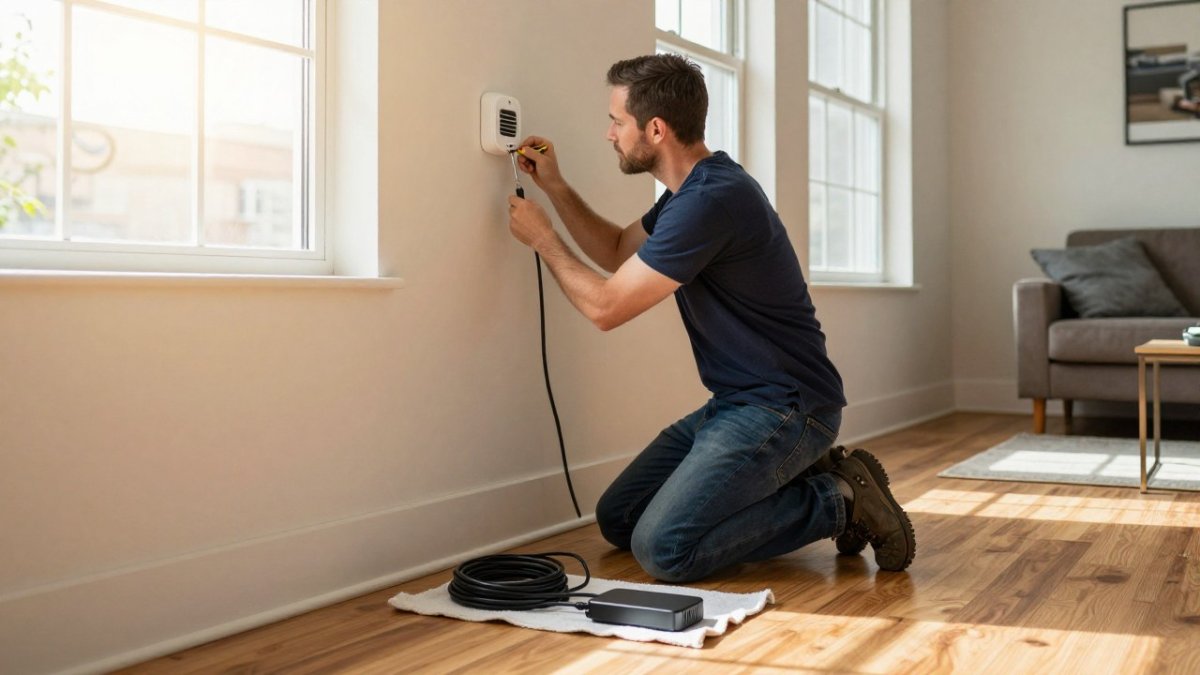
Benefits of Integrated Home Automation and Security Systems
Integrated home automation and security combines cameras, door sensors, locks, lighting and alarms under one control system, so you can watch, lock, adjust and respond from a single app. The main benefits are stronger deterrence, real-time alerts and remote access, automated routines, and possible energy and insurance savings.
Last Updated: November 24, 2026
Quick Summary
- Automated exterior lighting after dark removes the cover intruders depend on.
- Alert settings need tuning, since too many notifications from pets or shadows get ignored.
- Confirm each device works with your chosen platform before buying to avoid compatibility problems.
- Change default passwords and enable two-factor authentication on cameras, hubs and cloud accounts.
- Ask for the all-in annual cost, including monitoring and cloud storage subscriptions, before comparing bids.
Table of Contents
- What Integrated Home Automation and Security Means
- Stronger Home Security and Crime Deterrence
- Real-Time Monitoring, Alerts and Remote Access
- Home Security Automation Examples in Daily Use
- Smart Home Security Features Worth Prioritizing
- Energy Efficiency, Convenience and Long-Term Cost
- Privacy, Reliability and Home Automation Security Best Practices
- Planning Your Integrated System With Dalcorp Solutions
- Frequently Asked Questions
Integrated home automation and security combines cameras, door sensors, locks, lighting and alarms under one control system, so a homeowner can watch, lock, adjust and respond from a single app. For many Chicagoland households, that single view replaces several separate gadgets that never talk to each other. This guide explains where the real benefits come from, where they fall short and how to plan a system that will still work years from now.
What Integrated Home Automation and Security Means
Integrated home automation and security is a setup where security devices and smart home devices share one platform. Cameras, alarm sensors, smart locks, lighting and thermostats connect to a central controller that follows rules you define.
The practical difference is coordination. A standalone camera records. An integrated system can turn on the porch light, send an alert to your phone and start recording when a door sensor opens while the system is armed.
A common mistake is buying devices from several brands and expecting them to cooperate. Without a shared platform or a tested integration, each device works alone and the automation rules fail quietly.
Stronger Home Security and Crime Deterrence
Visible security measures discourage intruders. Integrated systems combine several of them, including cameras, alarm signage, lighting and door sensors, so a would-be burglar sees more than one obstacle.
Automated lighting can be a useful addition. When motion is detected after dark, lights can switch on across the exterior and entry points, which removes the cover that intruders depend on.
Professional monitoring can add a human response to the system's alerts. Whether an alarm is handled by a monitoring center or by the homeowner's own phone, the key benefit is that the event reaches someone who can act on it.
Real-Time Monitoring, Alerts and Remote Access
Real-time monitoring lets you see what is happening at home from anywhere. Camera feeds, door status and alarm state appear in one app, and push notifications flag events as they happen. Explore video surveillance with remote monitoring and alerts to see how these features are set up.
Remote access matters most when something unexpected happens. If a delivery driver opens the side gate or a window sensor trips while you are at work, you can check the camera before deciding whether to call someone.
Alert settings need tuning. Too many notifications from pets, shadows or weather cause people to ignore the app. Set motion zones carefully, and separate routine events from alarms that require an immediate response.
Home Security Automation Examples in Daily Use
Automation is most useful when it runs quietly in the background. These routines are common in well-planned systems:
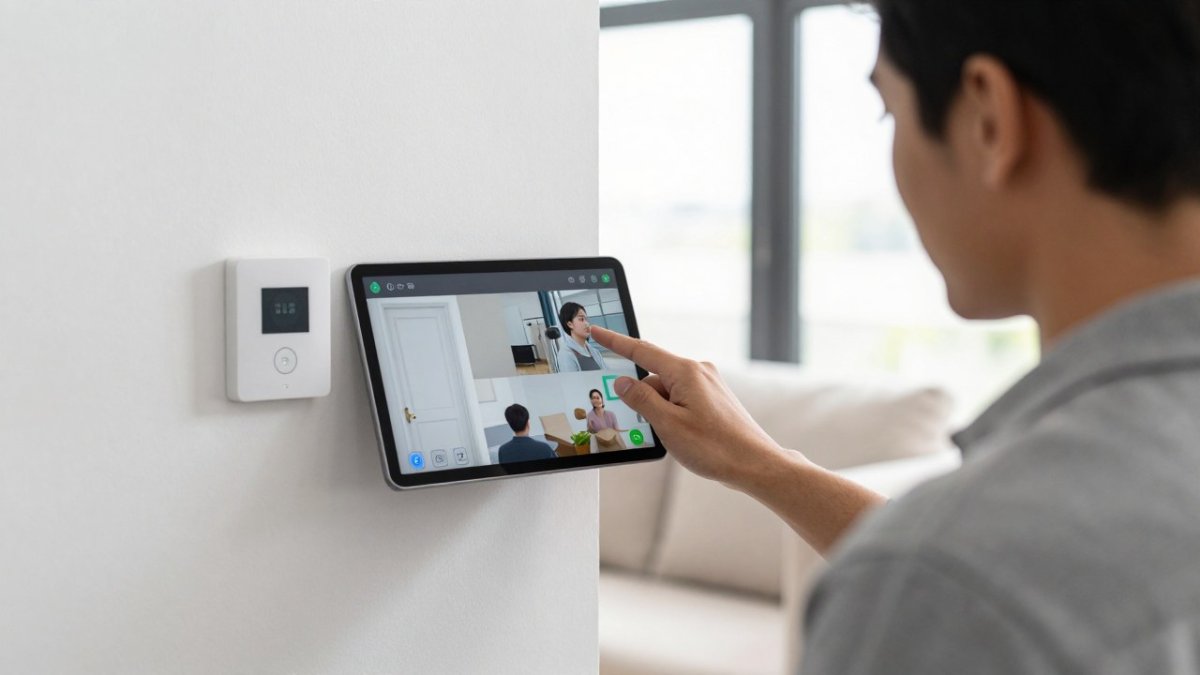
- Arrive and leave: Disarming the alarm can unlock the front door, raise the thermostat and turn on the entry lights.
- Night mode: When the house is locked for the night, exterior lights turn on and interior motion sensors arm.
- Vacation mode: Lights follow a randomized schedule, cameras record to cloud storage and alerts go to a second family member.
- Package protection: A doorbell camera detects motion at the entry and sends a clip to your phone.
A homeowner might walk in the front door in the evening, and the system disarms, turns on the kitchen lights and adjusts the thermostat without a single tap on a keypad. You can see more examples of this kind of setup on the smart home systems page. The same routine can trigger an alert if the back door sensor is still open.
Smart Home Security Features Worth Prioritizing
Not every feature is worth paying for. Focus on the features that affect daily use and long-term reliability:
- Door and window sensors that report open or closed status and feed automation rules
- Video cameras with local or cloud storage, night vision and clear motion zones
- Smart locks that support codes for family members and temporary guests
- Environmental sensors for smoke, carbon monoxide and water leaks
- Voice or app control that works reliably on your household's phones
- Backup power so the system keeps running during an outage
Check whether each device works with your chosen platform before you buy it. Compatibility problems are the most common cause of frustration after installation.
Energy Efficiency, Convenience and Long-Term Cost
Integrated automation can reduce energy use when it follows real occupancy rather than a fixed schedule. For homes weighing long-term energy costs, solar and battery backup systems are another option to explore.
Convenience is the benefit most homeowners notice first. Centralized control means one app instead of several, and automated routines replace repetitive tasks such as locking doors, arming the system and adjusting lights at dusk.
Cost needs a full view, because hardware is only part of the total. A realistic budget has five lines:
- Equipment: cameras, sensors, locks, hub or panel, and any keypads or sirens.
- Installation and configuration: labor, wiring, network setup and routine programming. Professional installation costs more up front but usually reduces the compatibility and reliability problems that drive callbacks.
- Subscriptions: optional professional monitoring and cloud video storage are recurring monthly fees. Local storage avoids the cloud fee but shifts responsibility for backups and drive replacement to you.
- Maintenance and replacement: batteries in sensors and locks, firmware updates, and device replacement over time. Sensors and batteries are consumables; cameras and hubs have a practical service life measured in years, not decades.
- Expansion: the cost of adding devices later, which is lower when the platform and network were planned for growth.
Insurance is worth a phone call but not a promise. For a closer look at whether the insurance savings and contract value add up, read Is Professional Smart Home Security Worth It? Many insurers offer a discount for a monitored alarm, and some recognize certain certifications or device classes, but eligibility, the discount amount and the required documentation vary by carrier and policy.
Watch out: a low equipment quote can hide recurring monitoring and cloud-storage fees that, over several years, exceed the hardware price. Ask for the all-in annual cost, including subscriptions, before comparing bids.
Return on investment is therefore a mix of measurable and non-measurable returns.
The table below summarises the main cost lines a homeowner should budget for, as described in the article.
| Cost line | What it covers | Note |
|---|---|---|
| Equipment | Cameras, sensors, locks, hub or panel, keypads, sirens | Hardware is only part of the total |
| Installation and configuration | Labor, wiring, network setup, routine programming | Professional install usually reduces callbacks |
| Subscriptions | Professional monitoring and cloud video storage | Recurring monthly fees |
| Maintenance and replacement | Sensor and lock batteries, firmware updates, device replacement | Sensors and batteries are consumables |
| Expansion | Adding devices later | Lower when platform and network are planned for growth |
Privacy, Reliability and Home Automation Security Best Practices
Connected security devices create risks that older systems did not have, and the two that matter most are data exposure and what happens when the network fails. Protecting the system is part of the job.
Account and network hygiene
- Change default passwords on every camera, hub and router, and use unique passwords for each account. Default credentials are the most common way cameras are compromised.
- Turn on two-factor authentication for the app and any cloud account, and prefer an authenticator app over SMS where the vendor supports it.
- Keep firmware updated and install security patches when vendors release them. Older cameras and hubs that no longer receive updates are a standing risk.
- Isolate the system on its own network segment or guest network so a compromised smart bulb cannot reach your computers. Many routers support a separate IoT network; use it.
- Review who can access the system, and remove shared users and guest codes when they are no longer needed. Temporary contractor codes should expire on their own.
Camera privacy and data retention
Where footage is stored and how long it stays there are policy decisions, not just settings.
Reliability during outages
Reliability matters as much as privacy, and the honest answer is that behavior varies by system. Ask three questions before you buy:
- What runs locally? A panel or hub with local control can keep sensors, sirens and locks working when the internet is down, while cloud-dependent devices may go dark. Confirm which functions survive an outage rather than assuming all of them do.
- What backs up power? Battery backup in the panel, locks and cameras keeps the system running through a short outage. Check the rated backup time and which devices are actually on battery.
- What carries the signal? A cellular or dual-path communicator can keep alarms and alerts flowing when broadband fails. Confirm whether cellular backup is built in or an add-on, and whether it carries video or only alarm signals.
Watch out: a system that depends entirely on the cloud and household power can fail silently during the exact event, an outage, a storm, a break-in, when you need it most.
A practical reliability plan combines local control for core security functions, battery backup sized to your typical outage, and a cellular path for alerts, with a documented fallback such as a keypad code or physical key for locks.
Planning Your Integrated System With Dalcorp Solutions
A well-planned system starts with a site survey. Dalcorp Solutions Inc is licensed and insured, uses factory-certified installations and has more than 25 years of experience in Chicagoland. The planning process begins with your home's layout, wiring, network coverage and goals.
Before you book, decide what you want most: stronger security, remote visibility, automation or energy savings. That priority guides which devices come first and how the system grows. A clear plan also makes future upgrades easier, because new devices can be added to a platform that was designed to expand.
To discuss a system for your home, request a quote from Dalcorp Solutions Inc and describe your goals, your current setup and any problems you want solved. If your home has network dead spots or older wiring, mention it up front so the design accounts for it from the start.
Frequently Asked Questions
What is the best home automation and security system?
The best home automation and security system depends on the size of your property, your existing wiring, and which devices you need to connect. Integrated systems from established manufacturers tend to offer the most reliable device compatibility and support. Before choosing, list the functions you need most, such as video monitoring, access control, or lighting automation. Then confirm that every device works within a single platform. A professional site survey can identify wiring limits, Wi-Fi coverage gaps and code requirements that affect which system fits your building.
Can smart home devices trigger security alerts automatically?
Yes. In an integrated system, door and window sensors, motion detectors, cameras and smoke or carbon monoxide detectors can send alerts to a mobile app or monitoring service when they detect activity. You can set rules so that, for example, an unexpected door opening while the system is armed sends a notification and turns on exterior lighting. Alert reliability depends on consistent network connectivity and properly configured sensitivity settings, so test each rule after installation and adjust it to limit false alarms.
Can integrated home security help reduce energy use?
It can. When security and automation share data, your system can adjust lighting and thermostat settings based on occupancy, turning off lights in empty rooms and lowering heating or cooling when the home is vacant. Some setups also use arm and disarm status to change climate settings automatically. Actual savings depend on your home, your habits and your energy rates, so treat any savings estimate as a starting point and measure your own usage over several months.
What should I consider before choosing an integrated home security system?
Start with a site survey that checks your Wi-Fi coverage, existing wiring and power supply. Confirm that the installer is licensed and insured, and ask who provides ongoing support and how quickly they respond after an outage. Review data privacy settings, including where video is stored and who can access it. Finally, compare total cost of ownership, including equipment, installation, and any monthly monitoring or subscription fees, rather than only the upfront price.

- Hits: 5