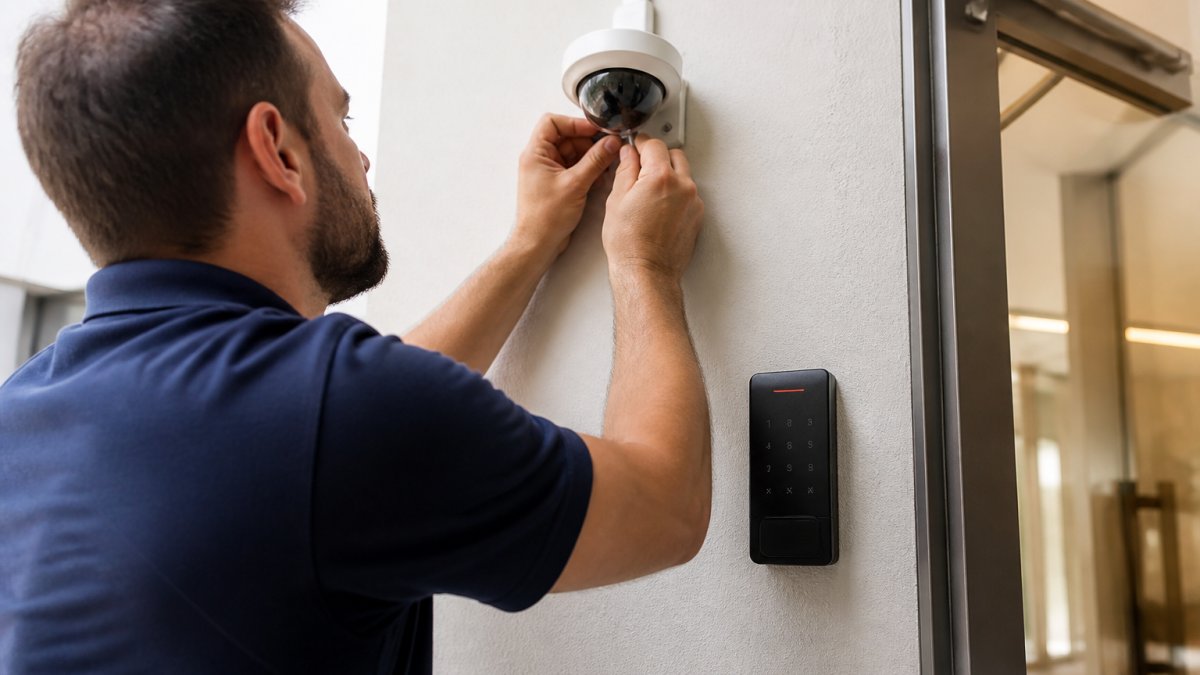
Benefits of Integrated Security and Networking
An integrated security system is a single networked environment where access control, video surveillance, intrusion detection, and alarm systems share data and respond to each other automatically. Instead of running separate platforms, one team watches one dashboard.
Table of Contents
- What an Integrated Security System Actually Delivers
- Numbered Benefits of Integrated Security and Networking
- How Networking Infrastructure Enables Security Integration
- Access Control and Video Surveillance Integration in Practice
- Network Security Best Practices for Businesses
- Cybersecurity for Physical Security Systems
- Implementation Roadmap and Measurable Outcomes
- Frequently Asked Questions
Last Updated: October 5, 2026
What an Integrated Security System Actually Delivers
That gap between disconnected and connected systems is where most security budgets get wasted.
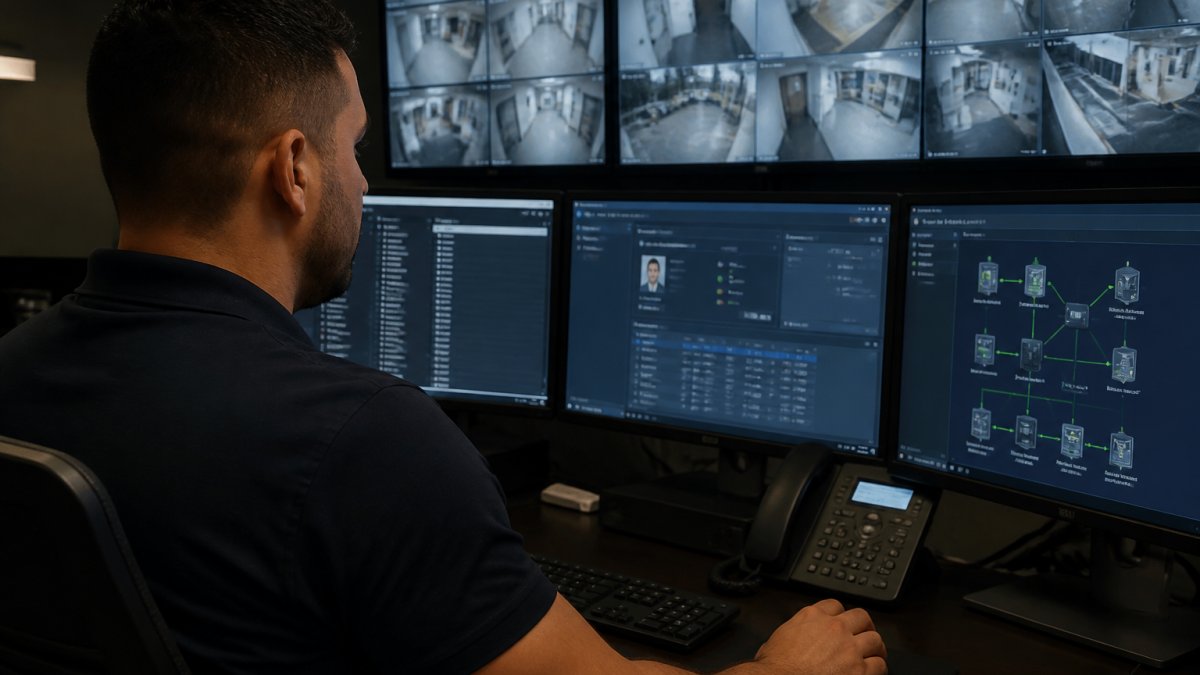
Networking infrastructure is the foundation. Cameras, card readers, and alarm panels all become devices on the same network, which is why the benefits of integrated security and networking are so tightly linked. At Dalcorp Solutions Inc, we have spent more than 25 years designing these systems across Chicagoland, and the pattern is consistent: the network determines what the security system can actually do.
Get the network right and everything above it works. Get it wrong and even good hardware underperforms.
Numbered Benefits of Integrated Security and Networking
The clearest way to understand the value is to count it out, but a list of outcomes without the mechanism behind each one is just marketing. Here is what each benefit actually looks like in a working system, and what has to be true for it to show up.
- Faster threat detection. Correlated events surface real incidents instead of a wall of isolated alerts. A door contact tripping at 2:14 a.m. is one event; that same door tripping while the camera shows motion and the badge reader logs a denied credential is a different signal entirely. The platform does the correlation, not the operator.
- Shorter incident response. Staff see what happened, where, and when on one screen. In practice, the difference is between pulling up a camera manually and having the clip already attached to the alarm record when the operator opens it.
- Fewer false alarms. A door forced open with no matching camera motion gets flagged differently than one with it. Tuning these rules takes a few weeks of real data, and the false alarm rate typically drops once the system has seen a normal week at the site.
- Centralized management. One platform administers every site, badge, and camera. For a multi-building portfolio, that means a terminated employee is deactivated everywhere in one action instead of one ticket per building.
- Operational efficiency. Routine tasks like adding a user or pulling footage take minutes, not hours. The labor savings are real but modest per task; they compound across hundreds of badge changes and footage requests a year.
- Scalability. Adding a camera or door means adding a device, not a new system. This is where the network design from day one pays off, because a switch with spare PoE ports and headroom on the VLAN is what makes the next camera a 20-minute job.
- Cost savings over time. Consolidated infrastructure lowers total cost of ownership, mostly by eliminating duplicate cabling, duplicate software licenses, and duplicate maintenance contracts. The savings are back-loaded, not immediate.
- Stronger compliance. Unified audit trails simplify reporting for regulated facilities. When access records, video, and alarm history live in one system, producing a report for an auditor or an insurer stops being a multi-day project.
The first four benefits show up immediately. The last four compound over years, and they only compound if the network underneath them was built to carry the load.
How Networking Infrastructure Enables Security Integration
Security integration runs on the network, and that is the part most vendors skip in the sales pitch. Cameras need bandwidth and power. Access readers need reliable low-latency connections. Alarm panels need a path to the management platform. When any of those links is weak, the "integrated" system behaves like a collection of separate devices again.
A few practical points matter more than the spec sheet:
- PoE (Power over Ethernet) carries both data and power to cameras and readers on one cable. Standard PoE delivers roughly 15 watts per port; PoE+ roughly 30 watts. A PTZ camera with a heater can pull more than a fixed dome, so the switch budget has to be sized for the worst-case device, not the average one.
- Bandwidth planning. A single 1080p stream at a reasonable frame rate runs in the low single-digit megabits per second; 4K streams and multi-sensor cameras multiply that. A 24-port gigabit switch with a 1 Gbps uplink can saturate quickly once recording, live viewing, and remote access all share the same pipe. The uplink is usually the bottleneck, not the port.
- VLAN segmentation keeps security traffic separate from guest and office networks. This is both a performance decision and a security decision: it limits who can reach a camera and it keeps a busy office network from starving video traffic.
- Redundant switching means one failed device does not blind a whole floor. Stacked switches or a ring topology with fast failover keep cameras and readers online when a single link drops.
- Proper coverage planning eliminates the dead zones that quietly break camera and Wi-Fi reliability. Coverage is a physical-layer problem, and no amount of software fixes a camera pointed at a wall or a reader mounted behind a metal door frame.
The part competitors rarely address is what happens when the network itself fails. An integrated system that depends entirely on a live connection to a central platform will lose access control and recording the moment that connection drops. The fix is local resilience: edge devices that cache credentials and continue to grant or deny access offline, cameras that record to local storage when the uplink is down, and a documented failover path so the site keeps operating while the network recovers. Redundancy, monitoring, and a clear support agreement are not optional extras. They are what keep a connected system resilient when something goes wrong at an inconvenient hour.
guidance on network segmentation for physical security devices
Access Control and Video Surveillance Integration in Practice
Access control and video surveillance integration is where the abstract benefits become visible. When a badge is denied at a door, the system can pull the nearest camera clip automatically and attach it to the event log. No one has to scrub through hours of footage to find out who tried the door and when.
That single capability changes how a security team works. Investigations that used to take an afternoon take minutes. Disputes about who entered a restricted area get resolved with a timestamped clip instead of a guess.
The same logic applies across a portfolio. Multi-site management lets one administrator apply badge rules, camera settings, and alert thresholds across every building from one console. For property managers overseeing several locations, that consistency is the difference between a policy that exists on paper and one that is enforced everywhere.
Network Security Best Practices for Businesses
Network security best practices for businesses start with treating every connected security device as a potential entry point, because that is exactly what it is. A camera with default credentials is a door into your network. A reader running outdated firmware is a known vulnerability waiting to be used.
The baseline controls that matter most:
- Change default passwords on every device before it goes live
- Keep firmware current on cameras, panels, and switches
- Segment security traffic on its own VLAN
- Limit remote access to authenticated, logged connections
- Review device logs for unusual access patterns
None of these are exotic. They are the same fundamentals that protect any business network, applied to the devices most organizations forget to inventory.
Cybersecurity for Physical Security Systems
Cybersecurity for physical security systems deserves separate attention because these devices sit in a blind spot for most IT teams. Physical security hardware is often installed, connected, and then left alone for years. That is precisely the profile attackers look for.
Two risks stand out. First, unmanaged devices accumulate unpatched vulnerabilities. Second, shared or default credentials mean one compromised camera can expose the whole security platform. The fix is governance as much as technology: an inventory of every connected device, a patching schedule, and clear ownership of who maintains the system after install.
For healthcare and educational facilities, this matters even more. Those environments carry strict expectations around data protection and access records, and a security system that is not itself secured becomes a liability rather than an asset.
Implementation Roadmap and Measurable Outcomes
A working integrated system follows a predictable sequence, and skipping steps is why projects stall.
| Phase | What Happens | Typical Duration | Success Measure |
|---|---|---|---|
| Site survey | Walk the property, map coverage gaps and existing wiring | 1-2 weeks | Documented device and coverage plan |
| Compatibility assessment | Test whether existing hardware can join the platform | 1-2 weeks | List of reusable vs. replaced devices |
| Network upgrade | Install switching, PoE, and VLAN segmentation | 2-4 weeks | Stable bandwidth and power to every device |
| Device integration | Connect cameras, readers, and alarms to one platform | 2-4 weeks | All devices reporting to one dashboard |
| Training and handoff | Train staff on alerts, footage, and badge management | 1 week | Staff can run daily tasks unaided |
| Ongoing support | Monitoring, patching, and adjustments | Continuous | Uptime and response-time targets met |
Track a small set of numbers from day one: average incident response time, false alarm rate, system uptime, and time required to add or remove a user. Those four metrics tell you whether the integration is delivering or just looking good on a diagram.
Trade-offs exist, and honesty about them matters. Integrated systems depend on the network, so a network failure affects security too. That is why redundancy, monitoring, and a clear support agreement are not optional extras. They are what keep a connected system resilient when something goes wrong at an inconvenient hour.
Modernizing a building's security without a plan for the network underneath it is how projects end up half-finished and over budget. Dalcorp Solutions Inc designs, installs, and supports complete low-voltage systems, including access control, video surveillance, Wi-Fi, and the networking infrastructure that connects them, all backed by code-aware planning and factory-certified installation. With more than 25 years serving Chicagoland properties and a clear process from site survey through ongoing support, we build systems that keep working long after the install crew leaves. Get started with Dalcorp Solutions Inc and give your building security and networking that hold up together.
Frequently Asked Questions
What are the benefits of integrating security systems with a network?
Integrating security systems with a network delivers centralized management, real-time monitoring, and faster incident response. You can view access control, video surveillance, and alarms from one platform instead of separate systems. This reduces manual work, improves coordination between devices, and provides better situational awareness. It also cuts costs through streamlined operations and supports scalability as your needs grow.
How do access control and video surveillance work together in an integrated system?
When integrated, access control and video surveillance share data to verify events. For example, a badge swipe can trigger the nearest camera to record and tag the clip. If an unauthorized entry occurs, the system can send automated alerts with video evidence. This integration speeds up investigations, reduces false alarms, and improves overall security coverage.
What cybersecurity risks come with connected security devices?
Connected security devices can introduce risks such as unauthorized access, data breaches, and network compromise if not properly secured. Common vulnerabilities include default passwords, unencrypted communications, and outdated firmware. To mitigate these, use network segmentation, strong authentication, regular updates, and encryption. Working with a licensed integrator familiar with cybersecurity for physical security systems helps ensure safeguards are in place.
What should businesses consider before integrating security and networking?
Before integrating, assess your current infrastructure, compatibility of existing devices, and network capacity. Consider scalability, budget, and compliance requirements. A professional site survey can identify gaps and help design a roadmap. Also plan for staff training and ongoing support to maximize the benefits of integrated security and networking.
- Hits: 9