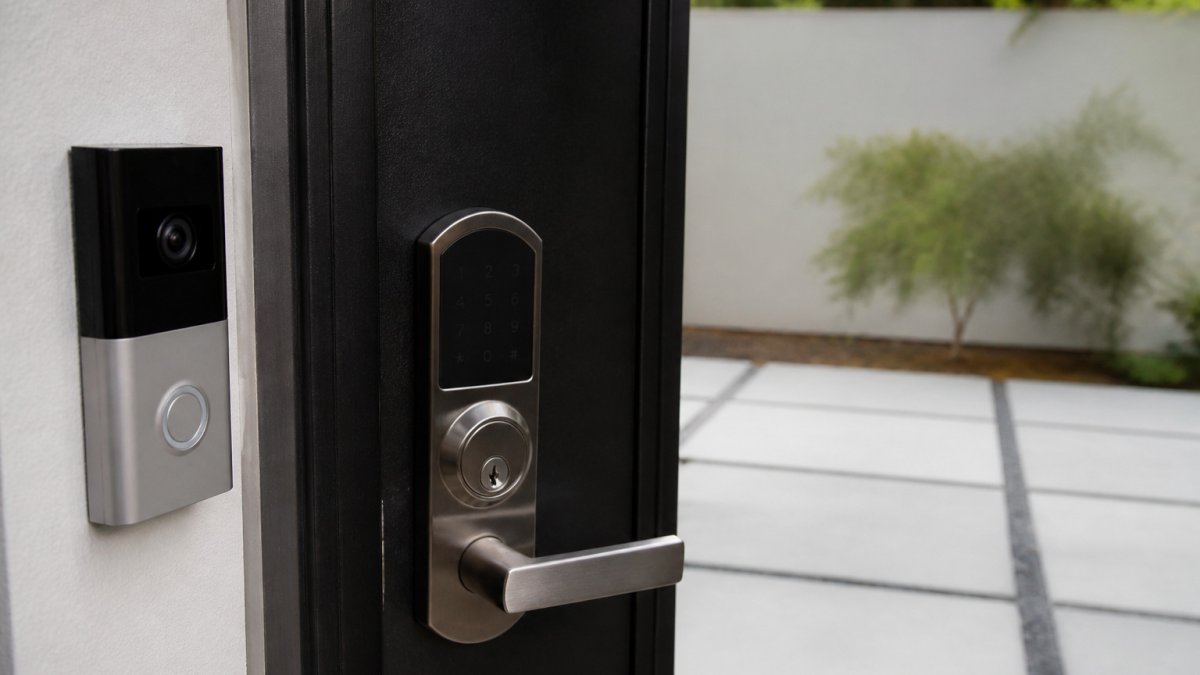
Can You Integrate Smart Locks With Video Doorbells?
Yes, can you integrate smart locks with video doorbells in many cases, usually through a shared app, a partner integration, a hub, or a smart-home platform. Compatibility depends on matching brands or supported partners, Wi-Fi band, and power, so check those before buying.
Quick Summary
- Use one manufacturer's app or a supported partner integration for the most reliable link
- Many smart locks and video doorbells need a 2.4 GHz Wi-Fi network
- Test each device on its own before linking it to the other
- Avoid automatic unlock on doorbell press because false detections can leave the door open
- Keep a key override or spare battery in case the network or lock battery fails
Table of Contents
- How Smart Locks and Video Doorbells Work Together
- Smart Lock Compatibility With Video Doorbells: What to Check First
- Integration Methods: Native Pairing, Shared Apps, Hubs and Platforms
- Smart Lock and Ring Doorbell Compatibility: A Step-by-Step Setup
- Step 1: Confirm the connection path before you unbox anything
- Step 2: Verify the network and power requirements
- Step 3: Install and connect each device on its own first
- Step 4: Link the accounts or add the device to the hub
- Step 5: Test every feature you plan to rely on
- Step 6: Set access and notification rules
- Automation Examples, Limits and Security Considerations
- Smart Lock and Doorbell Combo Devices Versus Separate Products
- Video Doorbell Smart Lock Integration: Troubleshooting Common Problems
- Booking a Compatibility Check for Your Home or Building
- Frequently Asked Questions
How Smart Locks and Video Doorbells Work Together
Last Updated: November 4, 2026
Yes, you can integrate smart locks with video doorbells in many cases.
Integration means the devices talk to each other, directly or through an app, hub, or platform. A smart lock is an electronic deadbolt or handle you control with a keypad, fingerprint reader, or app.
When both devices connect, you can:
- See a visitor on your phone and unlock the door remotely
- Get one alert that shows both the camera feed and the lock status
- Set rules, such as locking the door when the doorbell sees no one nearby
Not every pair of devices can do all of this. This guide explains what to check first and how to get the setup working.
Smart Lock Compatibility With Video Doorbells: What to Check First
Before you buy, confirm that both devices support a shared connection method. Compatibility is the most common reason an integration fails.
Check these items:
- Brand and ecosystem: Do both devices use the same app or platform, or a supported partner?
- Hub requirement: Does either device need a separate hub, and is it included?
- Wi-Fi network: Many smart locks and doorbells need a 2.4 GHz network, not only 5 GHz.
A quick check of the product specifications saves time. A device listed as compatible with a smart-home platform is usually easier to connect than one that requires a custom workaround.
Integration Methods: Native Pairing, Shared Apps, Hubs and Platforms
There are four common ways to connect these devices. Each one suits a different budget and level of control.
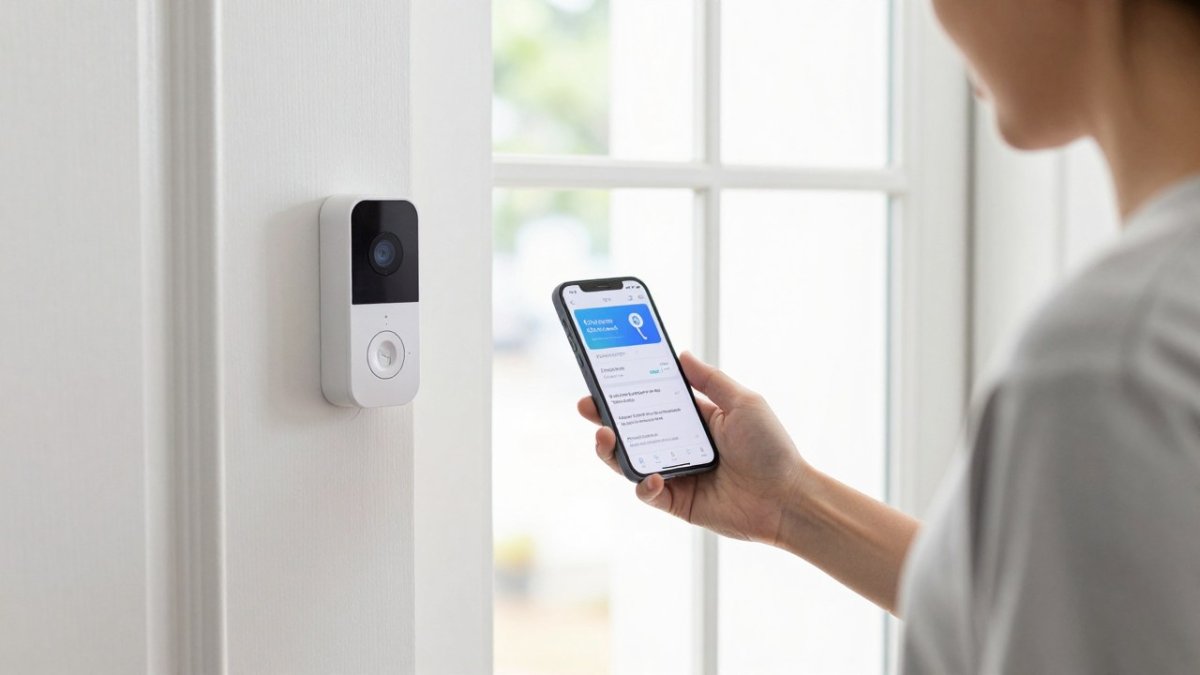
- Native pairing: The lock and doorbell are from the same manufacturer and connect through one app. This is usually the simplest option.
- Shared apps: Two brands work through separate apps, but a partner integration lets alerts and lock control appear in one place.
- Hubs: A smart-home hub connects devices that do not share an app, acting as the translator between them.
Here is a quick guide to choosing among them:
| Method | Best for | Typical setup effort |
|---|---|---|
| Native pairing | Single-brand homes | Low |
| Shared apps | Mixed brands with partner support | Low to medium |
| Hub | Devices with no direct link | Medium |
| Platform | Whole-home automation | Medium to high |
Smart Lock and Ring Doorbell Compatibility: A Step-by-Step Setup
Most people asking can you integrate smart locks with video doorbells are really asking two questions: will my specific lock talk to my specific doorbell, and what do I actually do to make that happen? The answer depends less on the brand than on the connection method each device supports. A brand-neutral walkthrough applies whether you are pairing a lock with a Ring doorbell, a Google Nest doorbell, or a doorbell from a smaller manufacturer.
Step 1: Confirm the connection path before you unbox anything
Every integration runs through one of four paths. Identify which one your devices support before you buy or install:
- Same manufacturer, same app: The lock and doorbell are sold by the same company and appear in one app. This is the most reliable path and usually the only one that supports every feature on both devices.
- Partner integration between two apps: Two manufacturers have a formal link, so alerts and lock control can appear in one app after you authorize the connection. Feature support varies by model and firmware.
- Smart-home hub or bridge: A hub translates between devices that do not share an app. It must support both device types, and some locks require a manufacturer-specific bridge rather than a general-purpose hub.
Step 2: Verify the network and power requirements
- Wi-Fi band: Many smart locks and video doorbells connect only on the 2.4 GHz band. If your router broadcasts a single combined network name, the device may fail to join or may join the 5 GHz band and drop offline. Splitting the bands or creating a dedicated 2.4 GHz network for door hardware is a common fix.
- Signal at the door: A doorbell on a metal frame or a lock inside a steel door can lose signal even when the router is close. Check the reported signal strength in each app after installation.
- Power: Wired doorbells draw continuous power and generally support more features than battery models. Battery doorbells and locks need a charging routine, and a dead lock battery means no remote unlock until you charge or replace it.
Step 3: Install and connect each device on its own first
Install the doorbell and lock per their manuals, then connect each to its own app and confirm it works independently before linking them. Test the doorbell's live view and motion alert, and the lock's keypad, app control, and manual key override. If a device does not work on its own, linking it to another device will not fix the underlying problem.
Step 4: Link the accounts or add the device to the hub
- Partner integration: Open the app that will act as the primary control point, find the partner or integrations menu, select the other manufacturer, and sign in to authorize the connection. You are granting one company permission to see and control the other company's device, so read the permission screen rather than clicking through it.
- Hub: Put the hub in pairing mode, then put each device in pairing mode in the order the hub's instructions specify. Some hubs require the lock to be paired through a manufacturer bridge first.
- Platform: Add both devices to the platform account, then confirm each appears with the controls you expect. A device can appear in the platform without exposing lock control.
Step 5: Test every feature you plan to rely on
Do not assume that a successful link means every feature works. Test these one at a time:
- Live video and two-way audio from the doorbell
- Motion and doorbell-press alerts arriving on your phone
- Remote lock and unlock from the primary app
Watch out: A partner link can disappear after a firmware update on either device. If alerts or lock control stop working after an update, re-authorize the connection in both apps before assuming a device has failed.
Step 6: Set access and notification rules
Decide who can unlock remotely, which alerts you want, and whether the doorbell should trigger any lock action. Keep the list of people with remote unlock access short, and review it whenever someone moves out or changes roles.
If you are pairing devices from different manufacturers and the link does not appear in either app, start with the compatibility checklist: confirm the exact model numbers, firmware versions, and whether the manufacturer lists the other device as a supported partner.
Automation Examples, Limits and Security Considerations
Automation is where a lock-and-doorbell integration earns its keep, but it is also where the risks concentrate. For the protocol and security side of automation, see the practical guide to integrating smart building systems. The useful question is not "what can I automate?" but "which automations are supported, which are safe, and what happens when something fails?" This section separates the routines that work from the ones that create risk, and covers the failure modes that decide whether you can trust the setup.
Automations that are commonly supported
- Camera feed on doorbell press: When a visitor rings, the doorbell app opens a live view or sends a rich notification with a snapshot. This is the most widely supported cross-device behavior and usually works through the doorbell app alone.
- Porch light on motion or press: A doorbell event triggers a smart light or plug. This is low-risk because a failure only means a light does not turn on.
- Lock status in a single view: The primary app shows the lock state alongside the camera feed, so you can see whether the door is locked while you look at who is outside.
Automations that are limited or risky
- Automatic unlock on doorbell press or motion: Some platforms allow a routine that unlocks the door when the doorbell detects a person. This is risky because motion and person detection produce false positives, and an unlocked door is a physical security failure no alert can undo. A safer pattern is to require a deliberate action, a notification you tap to unlock after viewing the camera, rather than an automatic unlock.
- Unlock based on geofencing: Arriving-home routines can fire while you are still in the driveway or on a different floor, and they depend on phone location accuracy. Treat these as convenience features for low-risk entries, not as the primary way you unlock a front door.
- Cross-brand feature parity: A partner link may support alerts and lock status without supporting remote unlock, two-way audio, or automation triggers. Feature support can differ by model and firmware, so test each feature rather than assuming the link covers all of them.
Security and privacy practices
- Account security: Use a unique password for each app, turn on two-factor authentication where offered, and remove access for anyone who no longer needs it. A shared login is a shared key.
- Video data privacy: Cloud video plans store clips on the manufacturer's servers. Review the retention period, whether clips are shared with law enforcement by default, and whether local storage is an option. If you do not need cloud history, local storage reduces what leaves your network.
- Access logs: Review the lock's event history periodically. An unexpected unlock event is the earliest signal that a code was shared or an account was compromised.
Failure modes to plan for
- Network outage: If Wi-Fi or internet goes down, remote unlock and live video stop working. The keypad, physical key, and any local hub automation may continue to work. Confirm before you buy that the lock has a keypad or key override so you are not locked out during an outage.
- Battery failure: A battery-powered lock that dies cannot be unlocked remotely. Set a low-battery alert and keep a spare battery or key override available.
- Hub or bridge offline: If the hub loses power or drops off the network, cross-brand automations stop even though each device still works on its own. Put the hub on an outlet that is not switched off.
The National Institute of Standards and Technology publishes general guidance on securing connected devices, which is a useful reference for home and business owners alike. NIST guidance on securing Internet of Things devices
Smart Lock and Doorbell Combo Devices Versus Separate Products
Some manufacturers sell a lock and doorbell as one package. A combo device can be easier to install and may guarantee compatibility, but you are tied to one brand's ecosystem.
Separate products give you more choice: pick the best lock and the best doorbell, then connect them with a hub or platform.
Consider a combo device if you want the simplest path. Choose separate products if you already own one device or want specific features.
Video Doorbell Smart Lock Integration: Troubleshooting Common Problems
Most integration problems come from a few causes. Work through these checks in order:
- Devices will not connect: Confirm you are on the 2.4 GHz network and that the router is nearby.
- Alerts arrive late: Check Wi-Fi signal strength at the door and reduce interference.
- Unlock command fails: Confirm the lock battery is charged and the hub is online.
If the problem continues, contact the manufacturer's support team and note the model numbers and firmware versions. For a wired or networked system with several devices, a professional review can find the root cause faster. Explore commercial access control installation in Chicago if your setup needs a full professional installation.
Booking a Compatibility Check for Your Home or Building
Not sure whether your current devices will work together? Dalcorp Solutions Inc can review your lock, doorbell, Wi-Fi network, and platform choices before you buy anything new. We bring more than 25 years of experience in Chicagoland.
We are happy to assess residential and commercial sites alike. You can request a compatibility assessment through our contact page to tell us about your site and goals.
Frequently Asked Questions
Can you connect a smart lock to a video doorbell?
Yes, in many cases, but the link depends on the products. Some lock and doorbell pairs share a manufacturer app or a common smart-home platform, which lets you see door status and trigger actions from one place. Others only connect indirectly through a hub or a voice assistant routine. Before buying, confirm that both devices support the same platform, check whether a hub is required, and verify that your Wi-Fi network includes 2.4 GHz support, since many smart devices depend on it.
Which door locks are compatible with Ring doorbells?
Compatibility varies by lock brand, model and the Ring app version, so no single list applies to every setup. Check the current compatibility information from the lock manufacturer and Ring before purchasing, and confirm that both products work with your smart-home platform. Pay attention to hub requirements, Wi-Fi band support and whether the lock needs a separate subscription for remote features.
Is a smart lock with a built-in video doorbell better than separate devices?
An integrated lock and doorbell combo can simplify setup because both devices come from one manufacturer and share one app. Separate devices give you more freedom to choose the best lock and the best doorbell for your door, camera placement and budget, but they require more compatibility checking. Combo units can limit future upgrades if the lock or doorbell is discontinued. Consider your door layout, network coverage and how many people need access before choosing. Pricing depends on product selection, quantity and installation scope, so request a quote for current figures.

- Hits: 2