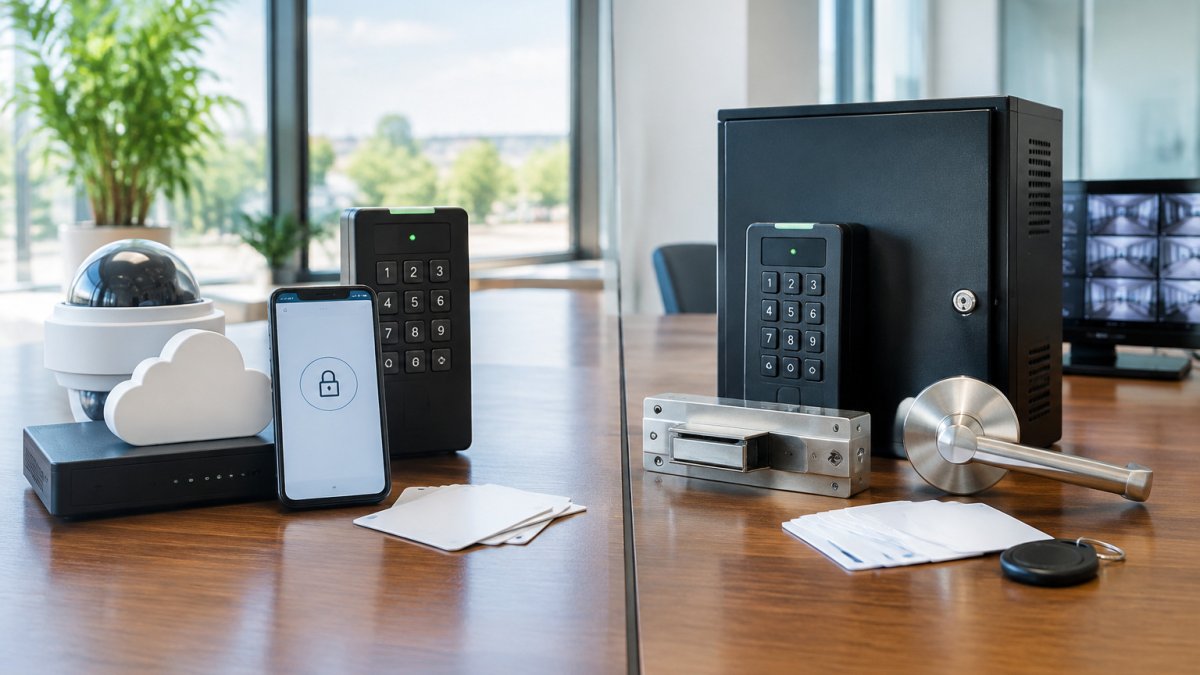
Cloud vs On-Premises Access Control for Small Business
For most small businesses, a cloud-based access control system is the best fit, because it lets you add, change, and revoke credentials from a web dashboard without an IT team. Compare platforms by door count, staff size, outage behavior, and three-year total cost. Cloud management suits offices without an IT team, while on-premises fits strict off-site data policies.
Last Updated: November 5, 2026
Quick Summary
- Count every door that needs a reader, since door count drives both hardware and subscription cost.
- Ask whether the controller caches credentials locally so doors keep working during an internet outage.
- Request a line-item quote separating hardware, installation, and subscription to compare three-year totals.
- Use mobile credentials for employees and reserve key cards for temporary staff or visitors.
- Book a site survey to map entry points and check existing wiring before buying.
Table of Contents
- What Access Control Does for a Small Business
- Best Cloud-Based Access Control Systems for Small Businesses
- Cloud-Based vs. On-Premises Access Control
- Small Business Access Control System Cost
- Key Card and Mobile Access Control for Business
- Installation, Wiring, and Keeping Access Working During Outages
- Choosing Your Access Control System and Booking a Site Survey
- Frequently Asked Questions
What Access Control Does for a Small Business
Access control decides who can enter a building, a room, or a specific door, and when. For a small business, a well-chosen system replaces scattered physical keys with credentials that can be issued, changed, and revoked in seconds. The real value often shows up the first time an employee leaves, because access can be cut off without changing a single lock.
The core parts are simple. A controller makes the access decision, readers accept a credential such as a key card, fob, PIN, or phone, and electric locks or strikes release the door. Software ties these together and keeps an audit trail of who entered and when. Access control is a gatekeeping layer, so it works best alongside cameras and alarms rather than as a substitute for them.
Best Cloud-Based Access Control Systems for Small Businesses
Most small-business buyers do not need a ranked list of every vendor. They need a way to tell which of the handful of credible cloud platforms actually fits a one-to-four-door office. A useful way to evaluate options is to weigh door count, staff size, operating hours, technical support, and budget.
Start by sizing the deployment. Count every door that needs a reader, not just the front entrance. A typical small office has one main entry, one back or loading door, and one interior door to a server room or cash office, three controlled doors is a common starting point.
Then match the platform to how you operate:
- One to two doors, under 20 staff, standard business hours: a cloud platform with mobile credentials and a simple web dashboard is usually enough. Look for self-service user management so a manager can add or revoke a credential without calling support.
- Three to four doors, 20 to 50 staff, extended or weekend hours: prioritize scheduled unlock rules, holiday calendars, and audit logs you can export. Confirm the platform supports door groups so you can lock down the server room separately.
- Multi-tenant or shared-suite buildings: check whether the platform supports separate tenant accounts and per-tenant reporting, because a single shared login will not satisfy landlords or tenants who need their own records.
- No on-site IT: favor vendors with documented remote support hours and a published uptime commitment. Ask what happens when the controller loses its internet connection, because a cloud dashboard is useless if the door will not open.
Vendor names that recur in small-business comparisons include several cloud platforms. Rather than rank them, evaluate each against the same five questions:
- What is the per-door subscription rate, and does it include mobile credentials or are those an add-on?
- Does the controller cache credentials locally so doors keep working during an internet outage?
- What is the published support window, and is there a phone number or only a ticket portal?
- Can you export your access logs and user list if you leave the platform?
- Does the reader support both cards and phones, so you are not locked into one credential type?
Watch out: a platform that markets itself as "affordable" without publishing a per-door rate is not necessarily cheaper, request a written quote that separates hardware, subscription, and support so you can compare three-year totals rather than first-month totals.
Cloud-Based vs. On-Premises Access Control
Cloud-based access control keeps the management software and data with the vendor, which lowers the IT burden on your side. Updates arrive automatically, and you can manage doors from anywhere. On-premises systems run on a server inside your building, so you control the data directly and can keep operating if your vendor's service goes down. The trade-off is that you own the maintenance, backups, and updates.
For most small offices, cloud management is the practical choice because you lack an IT team to patch a local server. On-premises makes more sense when policy forbids storing access data off-site or when you need the system to run regardless of internet service.
The table below compares the two management models on the points the article raises.
| Factor | Cloud-based | On-premises |
|---|---|---|
| Where data lives | With the vendor | Inside your building |
| Maintenance burden | Lower; updates arrive automatically | Yours to handle, including backups and updates |
| Remote management | Manage doors from anywhere | Depends on local setup |
| Internet outage | Depends on whether credentials are cached at the door | Can keep operating if vendor service is down |
| Best fit | Offices without an IT team | Policies forbidding off-site data storage |
Small Business Access Control System Cost
Cost depends on several factors. This section outlines the categories to expect itemized in any proposal so you can compare quotes. Pricing depends on door construction, wiring condition, quantity, and labor; request a current written quote for accurate figures.
Upfront Costs, Subscriptions, and Per-Door Pricing
Plan for four cost categories, and expect a credible quote to break out each one:
- Hardware per door: a reader, a controller port, an electric strike or maglock, a power supply, and mounting hardware. Hardware cost varies with door type and condition.
- Installation labor: running low-voltage cable from the door to the controller and mounting equipment. Labor cost rises where walls are finished, conduit is required, or the run is long.
- Software and subscription: cloud platforms commonly bill per door per month, with rates depending on features and credential type. On-premises software is often a one-time license plus a support contract.
- Credentials and support: mobile credentials may be included in the subscription or sold as a per-user add-on. Support plans vary.
Per-door pricing is the cleanest way to compare proposals. Ask every provider for a line-item quote that shows the per-door hardware rate, the per-door installation rate, and the per-door monthly subscription separately. A cheap upfront price with a high monthly fee can cost more over three years than a higher hardware price with a lower subscription, run the three-year total for each option before deciding.
Ask for the unbundled version so you can see hardware, installation, and subscription costs separately. For a deeper breakdown of commercial access control installation pricing and per-door expenses, see commercial access control installation cost guide.
What Drives the Price Up or Down
Several factors move the number more than the brand does:
- Door type and condition: a hollow metal frame with an existing electric strike is cheaper to equip than a solid wood door that needs new hardware and a fresh cable run.
- Wiring: reusing existing low-voltage cable can cut installation labor substantially; older buildings without conduit often cost more.
- Credential mix: cards are inexpensive per unit but easy to lose; mobile credentials reduce replacement costs but may carry a per-user license.
- Cloud versus on-premises: cloud shifts cost to a recurring subscription and lowers IT burden; on-premises front-loads hardware and server cost but may reduce monthly fees.
- Support level: after-hours or on-site support plans add cost, but a business open evenings or weekends should price them in rather than assume them away.
A practical approach is to build a simple three-year total-cost worksheet: upfront hardware plus installation, plus 36 months of subscription, plus an allowance for replacement credentials and support. Compare two or three vendors on that single number, and ask each one to confirm what happens to your access records and door operation if you stop paying the subscription.
Key Card and Mobile Access Control for Business
Key cards remain the most common credential because they are inexpensive and familiar to staff. They are also easy to lose or copy, and each lost card needs deactivating. Mobile credentials store access on an employee's smartphone, which removes the card, reduces lost-credential risk, and lets you revoke access instantly. Many systems support both, so you can issue cards to visitors and phones to regular staff.
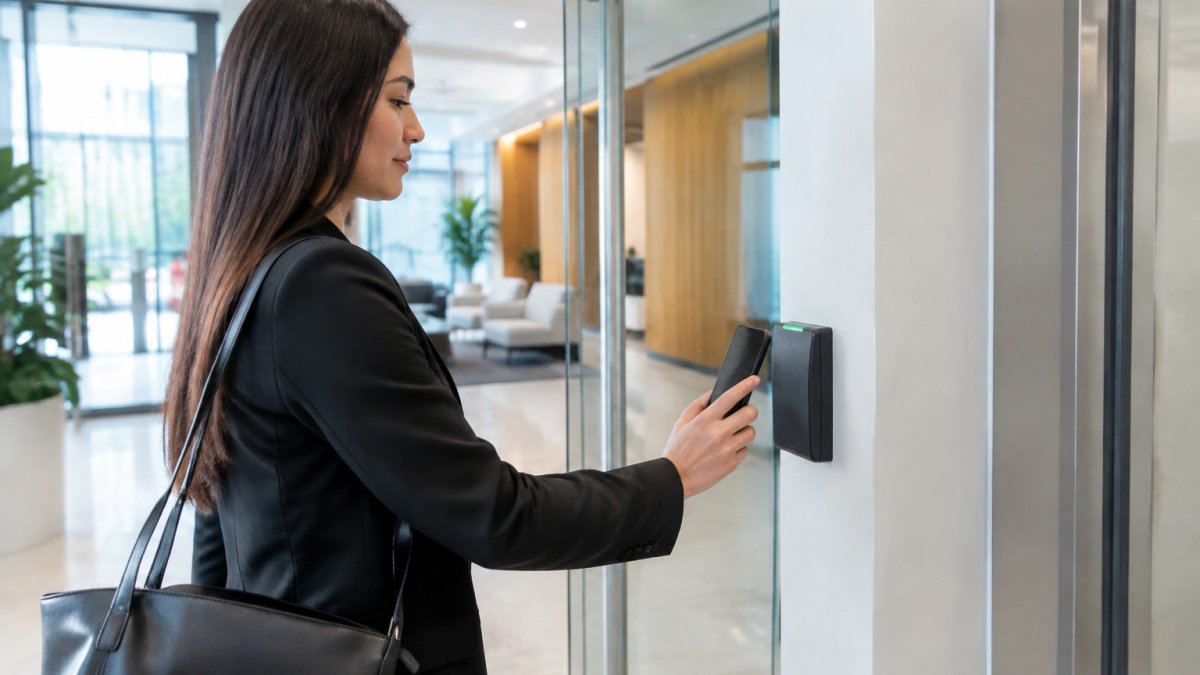
A common approach for a small office is to start with mobile credentials for employees and reserve cards for temporary staff. Confirm that your readers support the credential format before ordering, because mobile and card technologies are not always interchangeable across vendors.
Installation, Wiring, and Keeping Access Working During Outages
Most door access systems need low-voltage wiring from each reader to a controller, plus power for the locks. Older buildings may need new cable runs, which affects cost and can disrupt operations. Ask whether the vendor can reuse existing wiring or the existing lock hardware, since a lock compatibility check can avoid replacing a whole door assembly.
Plan for outages before they happen. Battery backup can keep readers and controllers running through short power losses, and some systems allow a manual override key for emergencies. Also confirm that fire and life-safety requirements are met, because doors that must unlock during an alarm need to be designed that way. Schedule installation for off-hours where possible to limit disruption.
Choosing Your Access Control System and Booking a Site Survey
Start with three questions: how many doors need control, whether you want cloud or on-premises management, and which credentials your staff will use. To match these requirements to system types before buying, see choosing the right access control buyer's guide. Write down your must-have features, such as audit logs, remote user management, or integration with existing cameras, and shortlist vendors that meet them. Compare total cost over three years, not just the first invoice.
Before you buy, book a site survey. To understand what a professional site survey delivers, see benefits of professional security site surveys. A site survey can map entry points, check existing wiring and locks, and identify gaps in coverage before a quote is prepared. Book a professional site survey with Dalcorp Solutions Inc to get a clear, itemized proposal for your doors. You can also review our commercial access control installation service in Chicago to see how key card and mobile systems are deployed for businesses like yours.
Frequently Asked Questions
What is the best access control system for a small business?
There is no single best system for every small business. The right choice depends on how many doors you need to secure, whether you want to manage access remotely, and how much you can spend up front versus on subscriptions. Cloud-based systems suit offices that want remote administration and minimal on-site hardware, while on-premises systems suit businesses that want local control and no recurring software fees. Compare available providers against your door count and budget, and request written quotes.
How much does a small business access control system cost?
Pricing depends on the number of doors, the credential types you choose, the hardware, installation complexity, and whether the system uses a subscription. Costs typically fall into upfront hardware and installation fees plus ongoing software or per-door subscription charges. Dalcorp Solutions Inc does not publish fixed prices for this work because each site differs. Request a site survey and itemized quote to see the exact cost for your building.
Is cloud-based or on-premises access control better for a small business?
Cloud-based access control is often better for small businesses that want remote management, automatic software updates, and the ability to grant or revoke access from a phone. On-premises systems keep data and control inside your building, which can appeal to businesses that prefer local ownership of their data or want to avoid ongoing subscriptions. Consider your internet reliability, your need for remote access, and how much you value local control of your data before deciding.
Can a small business use key cards or mobile credentials instead of keys?
Yes. Key cards, key fobs, PIN codes, and smartphone-based mobile credentials can all replace traditional keys on compatible electronic locks and readers. Mobile credentials let you issue and revoke access digitally, which is useful when employees join or leave. Confirm that the reader hardware and lock types at your doors support the credential types you plan to use before purchasing.
Dalcorp Solutions Inc is a licensed and insured low-voltage and security integrator with more than 25 years of experience in the Chicagoland area. We design and install access control systems and can match the right platform to your building and budget. Contact us to discuss your site and request a proposal.

- Hits: 8